FOCUSED Course
FOCUSED V-Ray for SketchUp
The complete V-Ray workflow for SketchUp designers who want traditional rendering done right.
10 modules, 87 lessons, ~23 hours
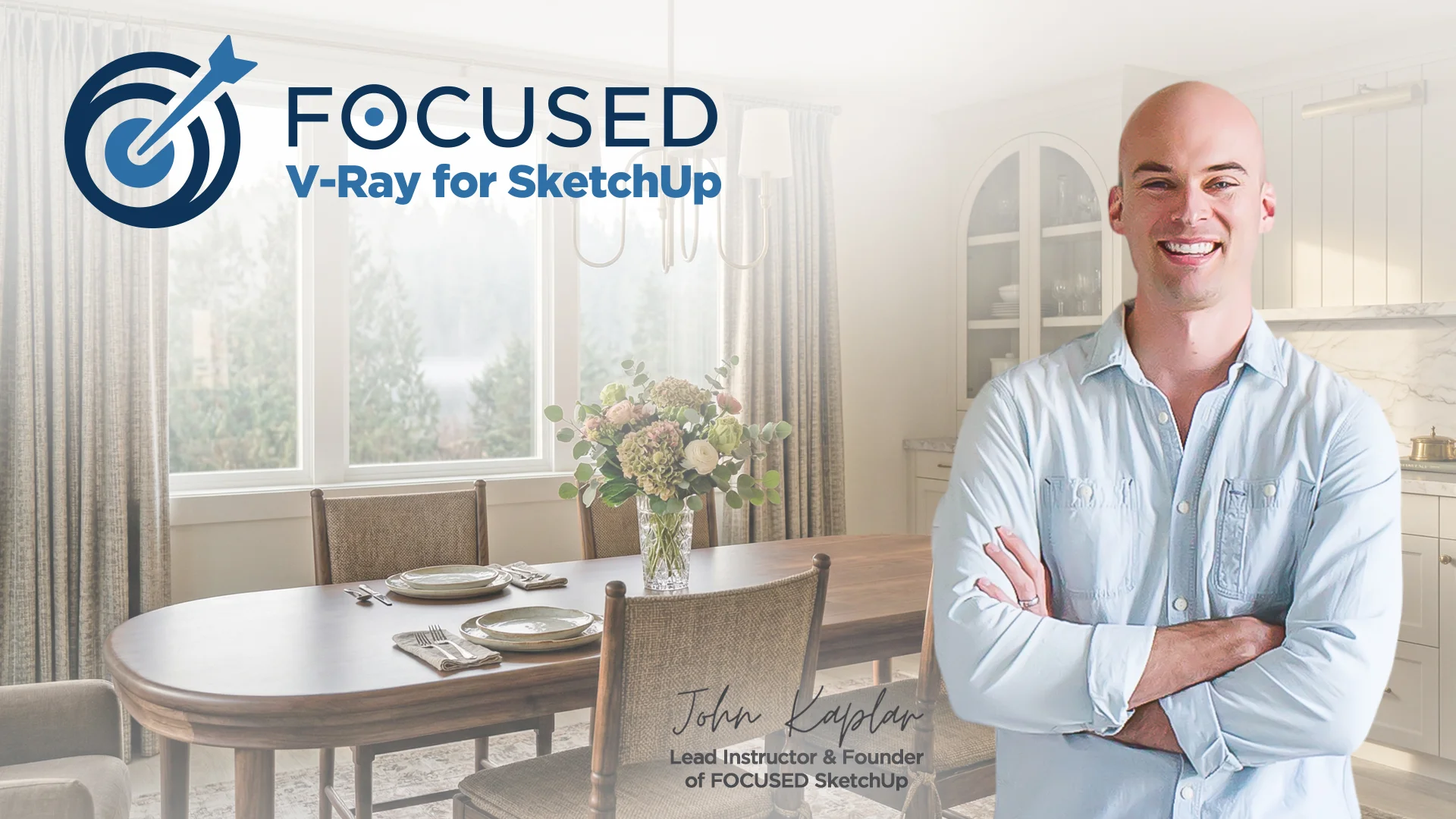
V-Ray Is Still the Gold Standard for SketchUp Renders.
V-Ray gives you complete control. Physically-accurate lighting. True photorealism. Renders that hold up against anything in the industry. That's why it's been the go-to for professional archviz for over twenty years.
But learning V-Ray on your own is brutal. Hundreds of settings, cryptic material nodes, and lighting behavior that shifts the moment you touch a slider. Most designers try it, get frustrated, and walk away - either stuck with mediocre results or paying someone else to render their work.
This course gives you the structured path. You'll learn every part of V-Ray - lighting, materials, cameras, render settings, and post-processing - through a repeatable workflow that actually sticks. By the end you'll have a system you can run on any interior or exterior scene, and you'll know exactly when V-Ray is the right tool for the job and when to reach for something else.
See the Results
The Renders You Will Create
Using the workflow taught in this course, you will learn how to create these V-Ray renders that wow clients and stand up to any industry standard.
Step Inside the Project
This is the Virtual Tour We Create
Go ahead, use your cursor and explore this immersive virtual tour - it's the same one we build inside of this course!
Is this for you?
Who Is This Course For?
- Interior Designers
- Architects
- Architectural Designers
- Kitchen & Bath Designers
- Landscape Architects
- Landscape Designers
- Pool & Patio Designers
- Custom Home Builders
- Residential Designers
- Product Designers
- Furniture Designers
- 3D Visualization Artists
- Archviz Studios
- Real Estate Developers
Course
Breakdown
Take a Peek at the
Course Structure
Inside this course, you'll learn the complete V-Ray for SketchUp workflow from installation through final post-production - including three full demo projects (primary bedroom, kitchen, and outdoor landscape), plus a virtual tour and VR module.
Module 1 - Introduction to V-Ray for SketchUp
- PC/Windows: Installing V-Ray [6:53]
- macOS: Installing V-Ray [8:04]
- V-Ray Toolbars and What They Do [5:44]
- The Asset Editor [21:09]
- The Frame Buffer [24:58]
- Chaos Cosmos [17:38]
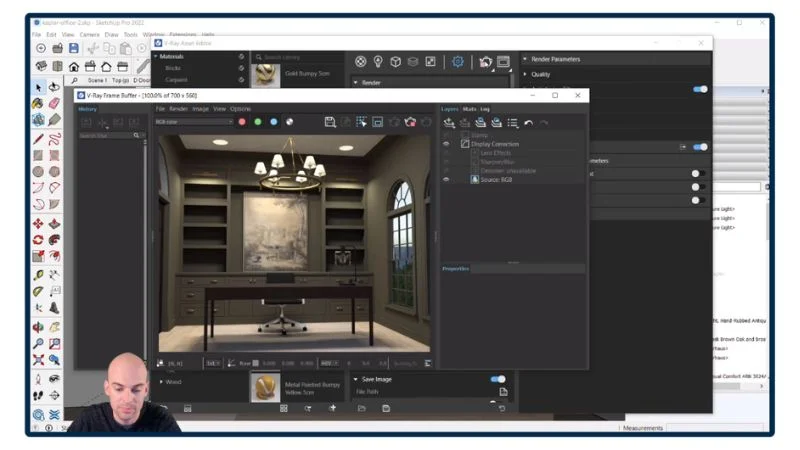
Module 2 - Materials and Textures
- PBR Textures [24:42]
- Displacement Maps and How to Use Them [12:17]
- Where to Find the Best Materials [25:22]
- Building a Material Library [15:32]
- Modifying Materials with Photoshop [6:15]
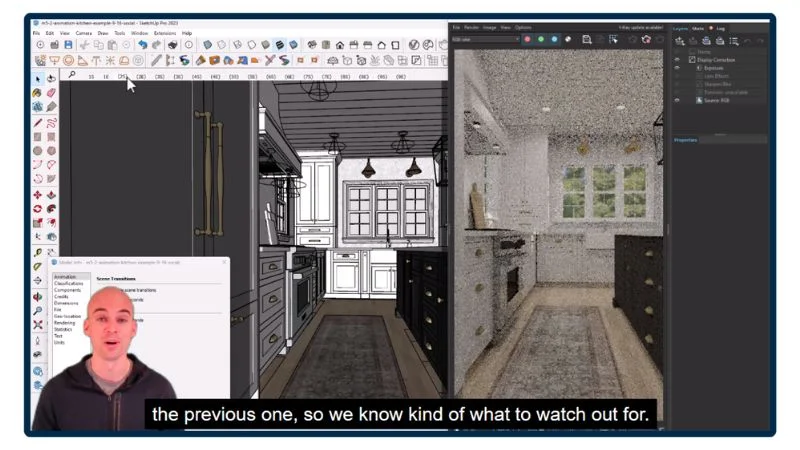
Module 3 - Lighting
- Rectangle Light [14:49]
- Sphere Light [4:00]
- IES Lights [6:43]
- Spot Light [3:58]
- Omni Light [3:51]
- Mesh Light [4:12]
- Dome Light [6:22]
- HDRI Lighting [14:38]
- Sunlight and Sky Controls [8:41]
- V-Ray Light Gen [13:13]
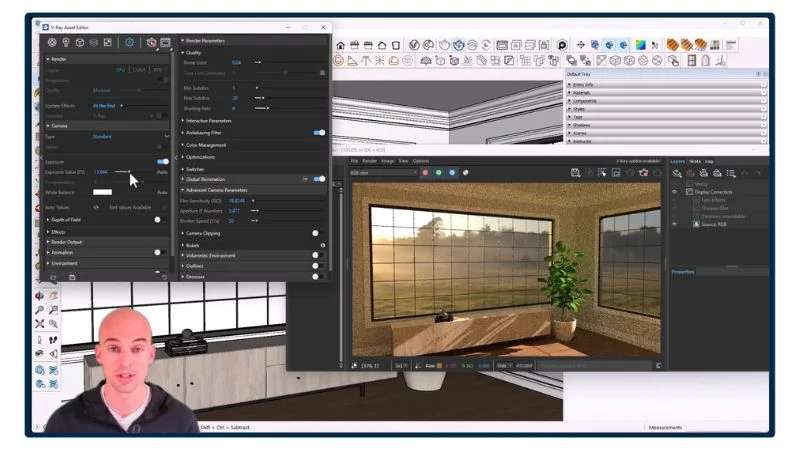
Module 4 - Settings
- Camera Settings [17:39]
- Environment [10:05]
- Material Override [6:41]
- Denoiser [8:30]
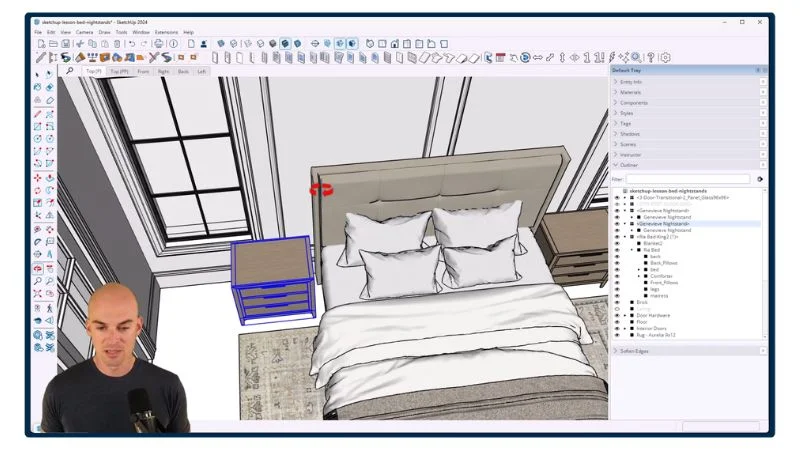
Module 5 - Rendering with V-Ray
- What Settings to Use [8:34]
- Using the Chaos Cloud [17:43]
- Batch Rendering [14:05]
- Chaos Collaboration Tool [11:36]
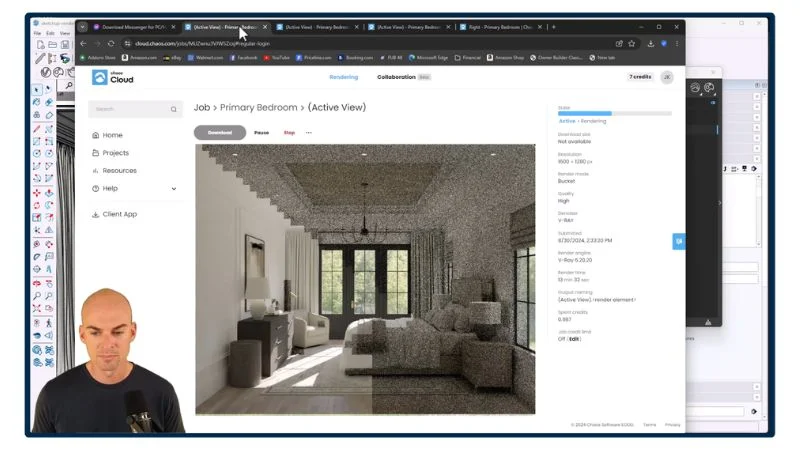
Module 6 - Advanced Topics
- Adjustment Layers [11:33]
- Ambient Occlusion [9:44]
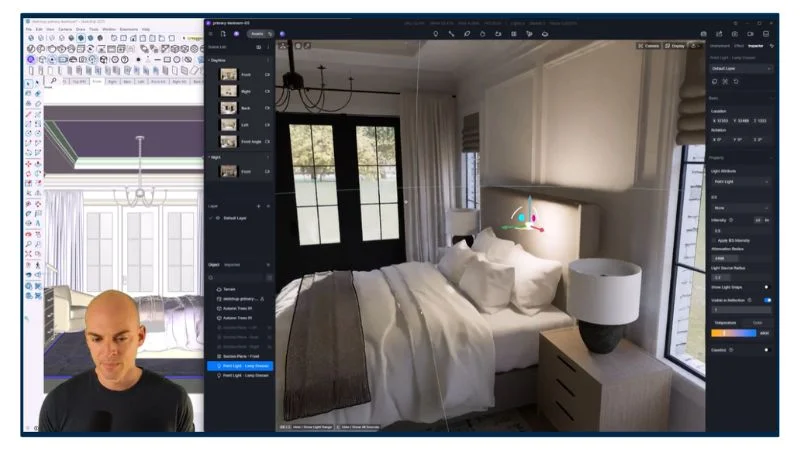
Module 7 - Full Demo: Primary Bedroom
- Applying Textures and Materials [24:24]
- Adding V-Ray Lights: Recessed Lights [7:24]
- Adding V-Ray Lights: Lamps & Light Bulbs [15:31]
- Adding an HDRI Map as a Background [12:23]
- Using V-Ray LightMix [14:46]
- Adding Decor and Accent Items [10:01]
- Final Fixes [34:31]
- Rendering Your Design [39:32]
- Batch Rendering on Chaos Cloud [6:23]
- Post Production Editing [17:05]
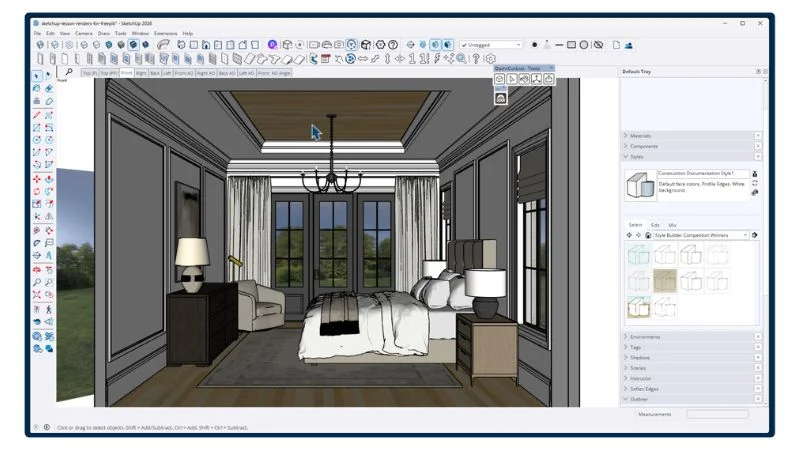
Module 8 - Full Demo: Kitchen
- Applying Textures and Materials [60:12]
- Adding V-Ray Lights: Recessed Lights [14:14]
- Adding V-Ray Lights: Undercabinet Lights [11:37]
- Adding an HDRI Map as a Background [11:44]
- Using V-Ray LightMix [23:42]
- Adding Decor and Accent Items [39:06]
- Final Fixes [34:31]
- Rendering Your Design [18:23]
- Batch Rendering on Chaos Cloud [7:10]
- Post Production Editing [17:05]
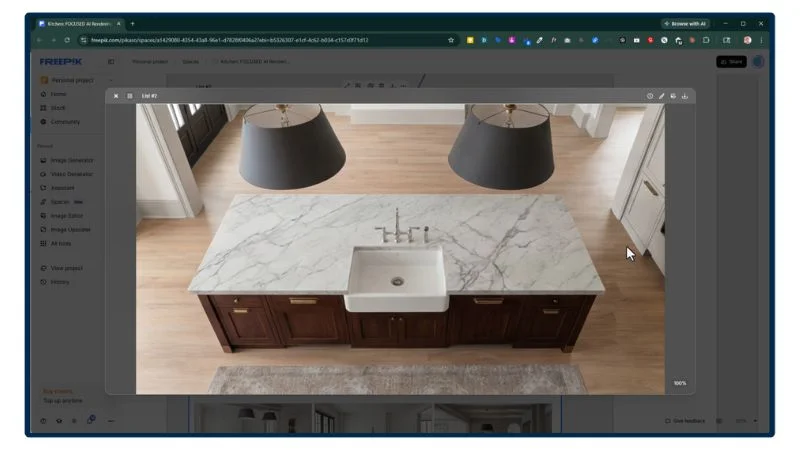
Module 9 - Full Demo: Outdoor Landscape, Pool & Patio
- Sunlight and Sky Controls [9:22]
- Sunlight with HDRI Maps [14:11]
- Applying Textures and Materials: Driveway [10:46]
- Applying Textures and Materials: Walkways and Walls [19:55]
- Applying Textures and Materials: Grass [54:12]
- Applying Textures and Materials: Mulch [3:59]
- Applying Textures and Materials: Pool [6:27]
- Bushes and Flowers: Front [47:15]
- Bushes and Flowers: Left Side [25:45]
- Bushes and Flowers: Right Side [51:50]
- Bushes and Flowers: Backyard [11:11]
- Adding Trees [19:33]
- Potted Plants [4:05]
- Furniture and Décor [25:35]
- Adding a Grill and an Outdoor Kitchen [20:20]
- Adding Gates [4:29]
- Adding Scenes [8:52]
- Final Fixes [31:03]
- Using V-Ray LightGen [11:12]
- Rendering Your Design [9:19]
- Batch Rendering on Chaos Cloud [6:18]
- Post Production Editing [13:55]
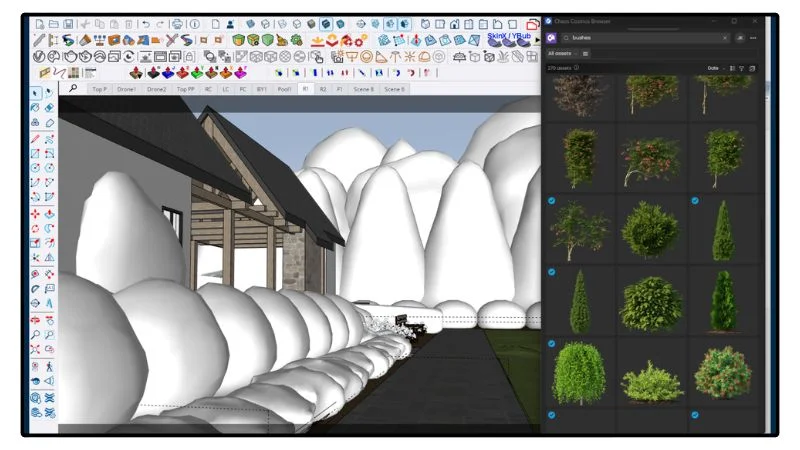
Module 10 - Virtual Tours & Virtual Reality
- Creating 360° Renders Using V-Ray [19:21]
- Upscaling Renders [5:13]
- Creating Your Virtual Tour [8:23]
- Adding Hotspots for Navigation [17:28]
- Creating a Map [7:26]
- Adding Product Hotspots [6:07]
- Sharing Your Virtual Tour with Clients [2:50]
- Embedding a Virtual Tour on Your Webpage [3:05]
- Configuring Your Virtual Tour for Virtual Reality [2:01]
- Virtual Reality Using the Meta Quest 3 [7:36]
- Monoscopic and Stereoscopic VR - Which One Should You Use? [2:42]
- Creating 360 Photos on Your Phone [4:03]
- Marketing Your Virtual Tour [5:30]
- Monetizing Your Virtual Tours [2:36]
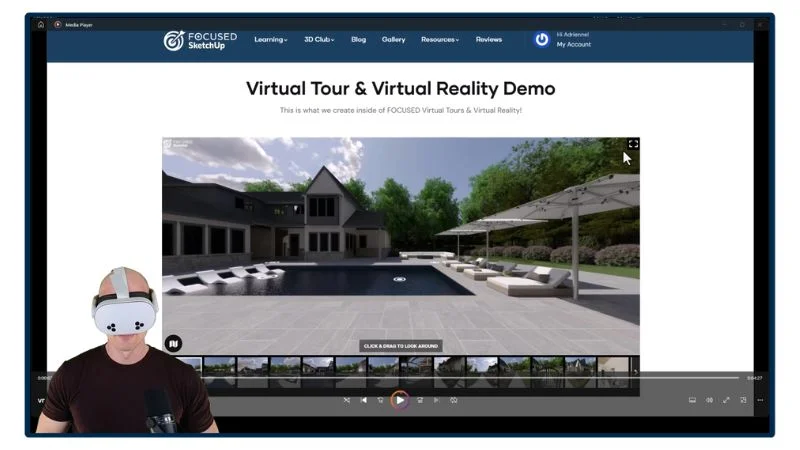
Get Immersed in Your Design
Virtual Reality Using Meta Quest 🔥
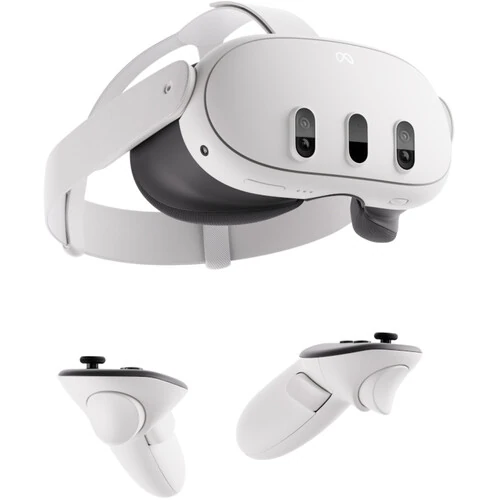
Step into your design… literally! Using a VR device like the Meta Quest 3 or 3S, you can quickly and easily experience your virtual tour in virtual reality. Imagine your client putting these on and being <em>in</em> your design.
You'll also get
3 FREE Bonus Items
 Free
Free
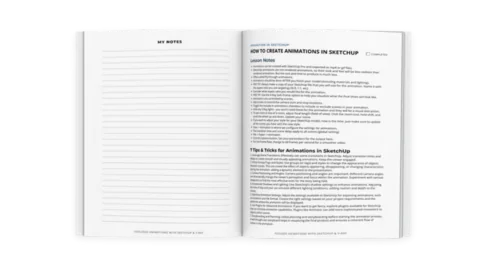
200+ Page Printable Course Guide
A printable PDF with lesson notes from every module - perfect for following along and taking your own notes as you go.
 Free
Free
Student Community Access
Get support and help from me and fellow students inside the FOCUSED SketchUp Student Community - post in the forum or ask right on the lesson you are stuck on. Included with FOCUSED Pro.
 Free
Free
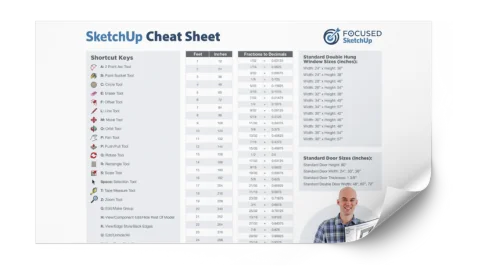
Printable SketchUp Cheat Sheet
My 2-sided SketchUp reference card with every shortcut, tool, and setting you'll use daily - printable and designed for quick lookup.
Meet Your Instructor
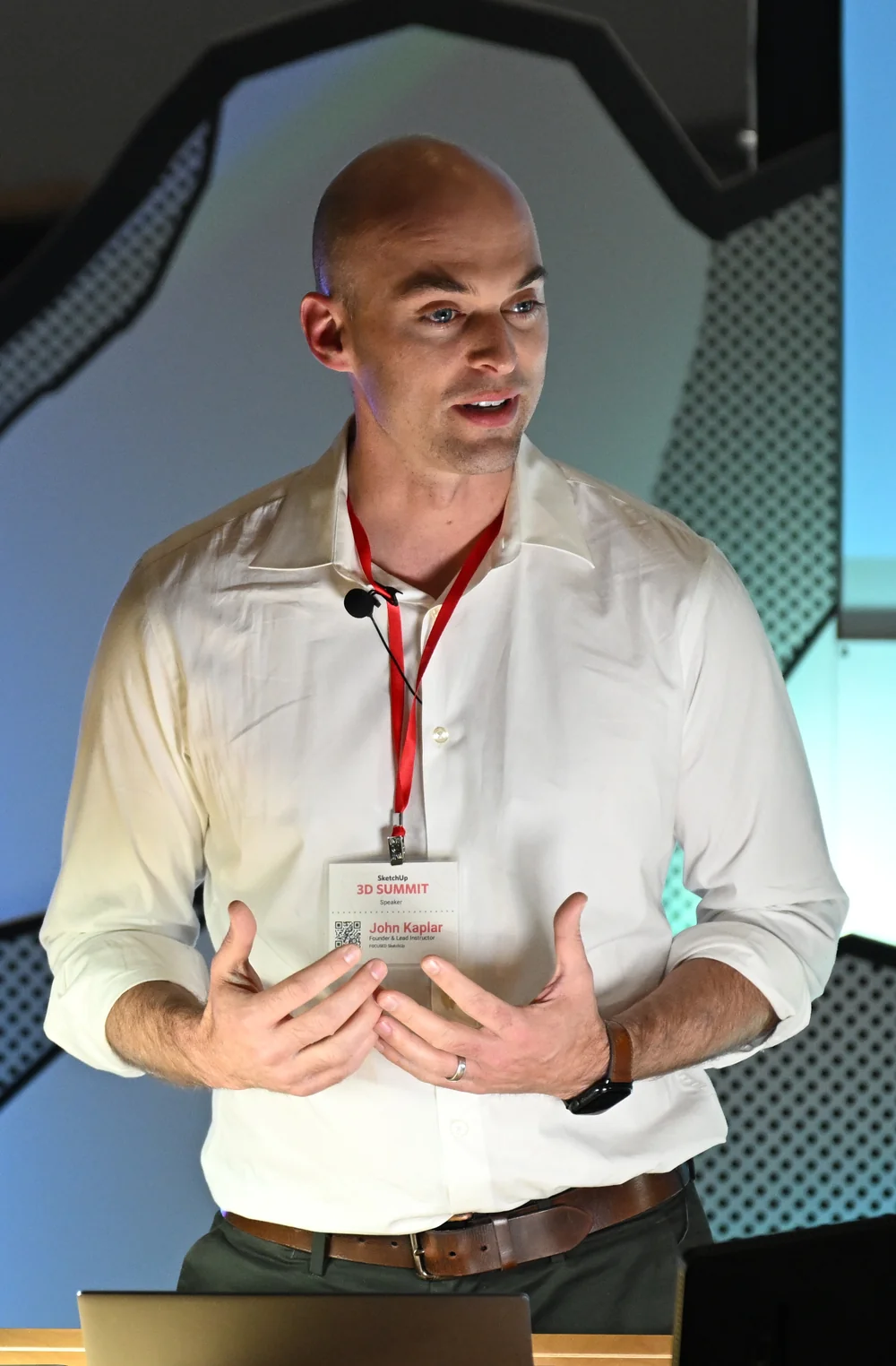
John Kaplar
Founder of FOCUSED SketchUp
Student Reviews
Hear What My Students are Saying
Video Testimonials
Facebook Reviews
No Risk Offer
Satisfaction Guarantee

I am so certain you will love this program that I am offering a Risk-Free 14-Day Money Back Guarantee! After 14 days, if you are not satisfied with the course and decide it's not for you, I will give you a full refund.
All you have to do is contact me within 14 days of purchasing, and I will give you 100% of your money back.

FAQ
Questions, Answered
What topics are covered in this course?
What will I be able to do after completing this course?
Is this course suitable for beginners or is it more advanced?
Are there any prerequisites for this course?
Do you offer a course syllabus or curriculum outline?
Are there any hands-on projects or exercises?
So, To Summarize...
Here is Everything You Get
- 87 Online, Pre-Recorded Video LessonsIncluded
- 23 Hours of TrainingIncluded
- 10 Modules Covering Every Part of V-RayIncluded
- Full Demo Project: Primary BedroomIncluded
- Full Demo Project: KitchenIncluded
- Full Demo Project: Outdoor Landscape, Pool & PatioIncluded
- Virtual Tour & VR ModuleIncluded
- 200+ Page Printable Course Guide with Lesson NotesIncluded
- Printable SketchUp Cheat SheetIncluded
- Student Community AccessIncluded
- Included in FOCUSED Pro, with every future updateIncluded
- 14-Day Money-Back GuaranteeIncluded
Ready to Start FOCUSED V-Ray for SketchUp?
Included in FOCUSED Pro
Plus the Replay Video Vault, the course guides and the FOCUSED Community. Monthly, yearly or lifetime.
14-day money-back guarantee