FOCUSED Course
7-Day SketchUp Bootcamp for Landscaping, Pools & Patios
Design and present complete outdoor spaces - from grading to pool water to night renders.
105 lessons, 22+ hours
Outdoor Spaces Are the Hardest Thing to Sell without a Render.
Clients can picture a living room. They can't picture how the pool will sit relative to the patio, what the lighting will look like at night, or whether the gate opens into the garden or out toward the street. That's why outdoor projects generate more back-and-forth and more change orders than almost anything else.
SketchUp
Modeling
V-Ray
Rendering
LayOut
Documentation
This bootcamp solves that. In 7 days, you'll go from zero to a complete residential landscape design in SketchUp and V-Ray - with grading, a pool, hardscape, vegetation, outdoor living, and photorealistic renders that close the conversation before it starts.
The FOCUSED Method keeps every day of the bootcamp manageable. You work through a real project, step by step, building skills and deliverables at the same time. By Day 7 you have finished renders and a LayOut design pack - and a workflow you can run on every outdoor project going forward.
See the Results
The AI Renders You Will Create
Using the workflow taught in this bootcamp, you will learn how to create photorealistic outdoor renders showing pools, landscaping, hardscape, and lighting at any time of day.
See the Deliverable
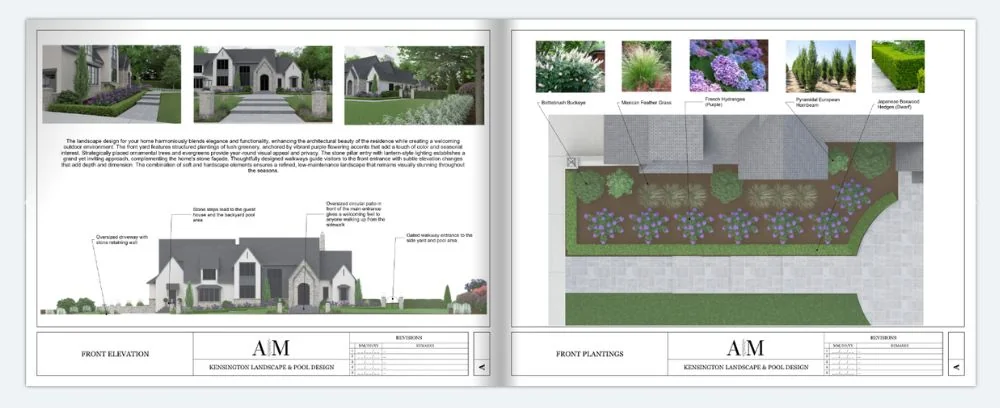
The Design Doc You Will Create
You'll use LayOut to create professional design documentation that impresses clients and closes projects - just like you see below.
Is this for you?
Who Is This Course For?
- Landscape Designers
- Landscape Architects
- Hardscape Designers
- Pool & Spa Designers
- Outdoor Living Specialists
- Deck & Patio Builders
- Fence & Gate Designers
- Irrigation Designers
- Outdoor Lighting Designers
- Home Builders
- Property Stagers
- Golf Course Designers
- Resort Designers
- Real Estate Developers
Course
Breakdown
Take a Peek at the
Course Structure
Inside this bootcamp, you'll work through a complete residential outdoor design - day by day - from SketchUp setup through finished V-Ray renders and LayOut documentation.
Module 1 - Day 1 - SketchUp Setup and Core Tools
- PC/WINDOWS: Installing SketchUp [6:07]
- PC/WINDOWS: Setting up Your Workspace [2:55]
- PC/WINDOWS: Setup Keyboard Shortcuts [3:02]
- MAC: Installing SketchUp [9:56]
- MAC: Setting up Your Workspace [9:55]
- MAC: Setup Keyboard Shortcuts [3:56]
- Core SketchUp - Intro and Cheat Sheet [3:42]
- Mouse and Navigation [9:16]
- Using the Keyboard [4:18]
- The Select Tool [4:33]
- The Move Tool [14:19]
- The Line Tool [11:33]
- The Rectangle Tool [6:35]
- The Circle Tool [4:47]
- The Arc Tool [3:30]
- The Tape Measure Tool [5:35]
- The Offset Tool [2:59]
- The Push/Pull Tool [3:56]
- The Rotate Tool [5:11]
- The Scale Tool [6:57]
- The Paint Bucket Tool [4:29]
- The Flip Tool [3:01]
- Groups [11:56]
- Components [7:59]
Module 2 - Day 2 - Organization, 3D Warehouse, and Grading
- Outliner [7:47]
- Tags [7:51]
- Hiding and Unhiding [3:50]
- Section Cuts [8:36]
- Scenes [8:45]
- The Trimble 3D Warehouse [14:19]
- Materials in SketchUp [11:12]
- Applying SketchUp Styles [11:20]
- Component Finder by FlexTools [6:00]
- Profile Builder [14:18]
- PC/Windows: Installing V-Ray [6:53]
- MacOS: Installing V-Ray [8:04]
- Installing Extensions [2:02]
- SketchUp Workspace Configuration [14:33]
- Sandbox Tools [14:58]
- Advanced Grading & Terrain: Soap Skin Bubble [8:20]
- Advanced Grading & Terrain: Contours [5:21]
- Hardscape Grading [26:57]
- Landscape Grading [11:58]
- Vegetation Basics in SketchUp [10:11]
Module 3 - Day 3 - Site Setup, Roads, and Hardscape
- The Best Sources for 3D Vegetation Objects
- Vegetation Placement Techniques
- Geolocating Your Model [10:20]
- Creating Terrain [3:37]
- Adding a Road [12:26]
- Placing Your Structure on Terrain [7:54]
- Adding a Driveway [38:27]
- Retaining Walls and Steps [25:10]
- Adding Walkways [40:19]
- Adding Lighted Piers [10:23]
- Creating Flower Beds [40:58]
Module 4 - Day 4 - Pool, Patio, and V-Ray Fundamentals
- Building a Pool
- Pool Decking and Patio
- Outdoor Barbecue Station [16:28]
- V-Ray Toolbars and What They Do [5:44]
- The Asset Editor [21:09]
- The Frame Buffer [24:58]
- Chaos Cosmos [17:38]
- Textures and How To Add Them [13:02]
- Building a Material Library [15:32]
- Where to Find the Best Materials [25:22]
- Rectangle Light [14:49]
- Sphere Light [4:00]
- Spot Light [3:58]
- Dome Light [6:22]
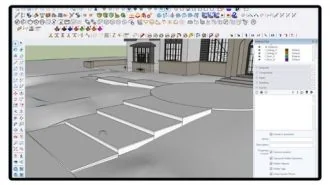
Module 5 - Day 5 - Lighting, Materials, and Rendering
- HDRI Lighting [14:38]
- Sunlight and Sky Controls [8:41]
- Camera Settings [17:39]
- Render Settings [8:34]
- Using the Chaos Cloud [17:43]
- Applying Textures and Materials: Driveway [10:46]
- Applying Textures and Materials: Walkways and Walls [19:55]
- Applying Textures and Materials: Grass [54:12]
- Applying Textures and Materials: Mulch [3:59]
- Applying Textures and Materials: Pool [6:27]
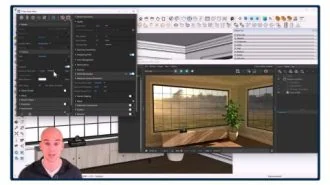
Module 6 - Day 6 - Vegetation, Furnishings, and Outdoor Living
- Bushes and Flowers: Front [47:15]
- Bushes and Flowers: Left Side [25:45]
- Bushes and Flowers: Right Side [51:50]
- Bushes and Flowers: Backyard [11:11]
- Adding Trees [19:33]
- Potted Plants [4:05]
- Furniture and Decor [25:35]
- Adding a Grill and an Outdoor Kitchen [20:20]
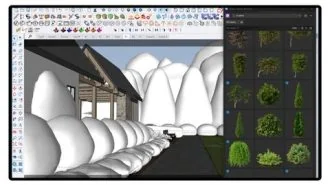
Module 7 - Day 7 - Final Renders, LayOut, and Bonus AI Module
- Adding Gates [4:29]
- Adding Scenes [8:52]
- Final Fixes [31:03]
- Using V-Ray LightGen [11:12]
- Rendering Your Design [9:19]
- Batch Rendering on Chaos Cloud [6:18]
- Post Production Editing [13:55]
- Templates and Document Setup [15:32]
- The LayOut Interface [6:11]
- Pages and Viewports [16:46]
- Text and Labels [8:06]
- Measurements and Dimensions [11:45]
- Scrapbooks [13:44]
- How to Export in LayOut [4:35]
- Presenting Your Document [3:45]
- Creating a Client Design Pack
- Bonus AI - Using AI to Convert a Render to Video [14:52]
- Bonus AI - Using AI to Improve Video Quality [11:23]
- Bonus AI - Creating a Video Compilation [7:24]
- Bonus AI - Using AI to Add Slow Motion Effect [4:16]
- Bonus AI - Creating a Video Compilation for Social Media [13:42]
- Bonus AI - Creating a Timelapse [5:17]
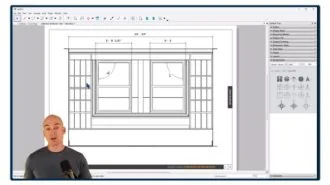
You'll also get
3 FREE Bonus Items
 Free
Free
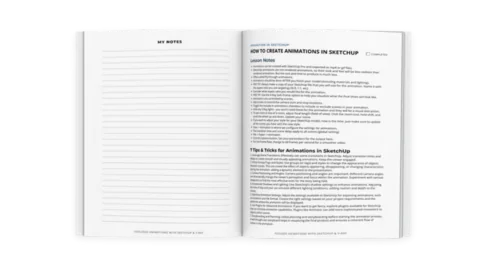
200+ Page Printable Course Guide
A printable PDF with lesson notes from every module - perfect for following along and taking your own notes as you go.
 Free
Free
Student Community Access
Get support and help from me and fellow students inside the FOCUSED SketchUp Student Community - post in the forum or ask right on the lesson you are stuck on. Included with FOCUSED Pro.
 Free
Free
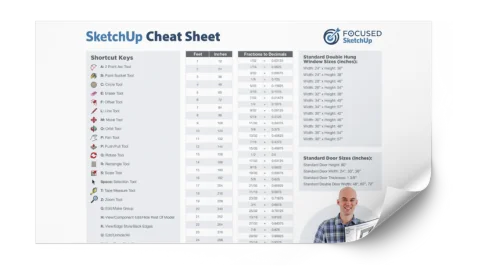
Printable SketchUp Cheat Sheet
My 2-sided SketchUp reference card with every shortcut, tool, and setting you'll use daily - printable and designed for quick lookup.
Everything you need
3 Packs of Downloadable 3D Objects - Absolutely FREE!
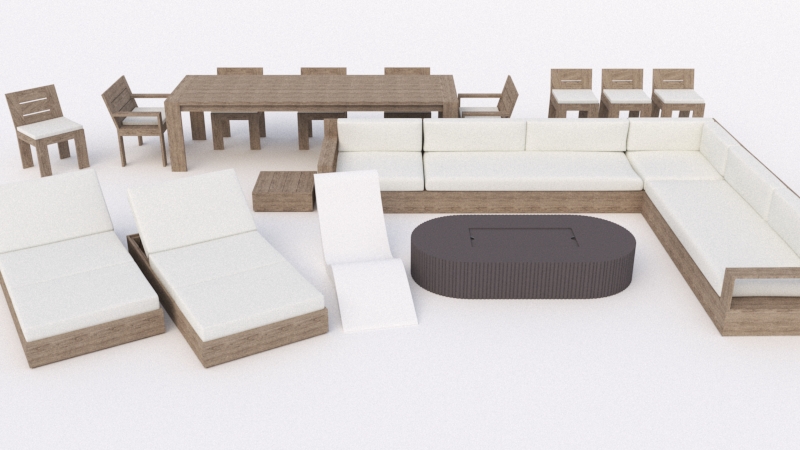
Outdoor Furniture Pack
100+ outdoor furniture pieces - loungers, dining sets, fire pits, umbrellas, and more - pre-configured with V-Ray materials and ready to drop into any SketchUp scene.
 Free
Free
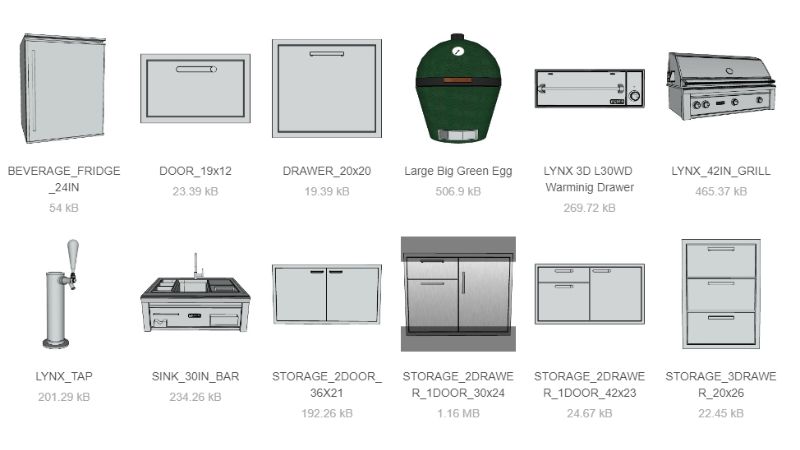
Outdoor Kitchen Pack
Dozens of outdoor kitchen appliances - grills, smokers, pizza ovens, warming drawers, sinks, refrigerators - all with V-Ray materials applied so you can build a complete outdoor kitchen in minutes.
 Free
Free
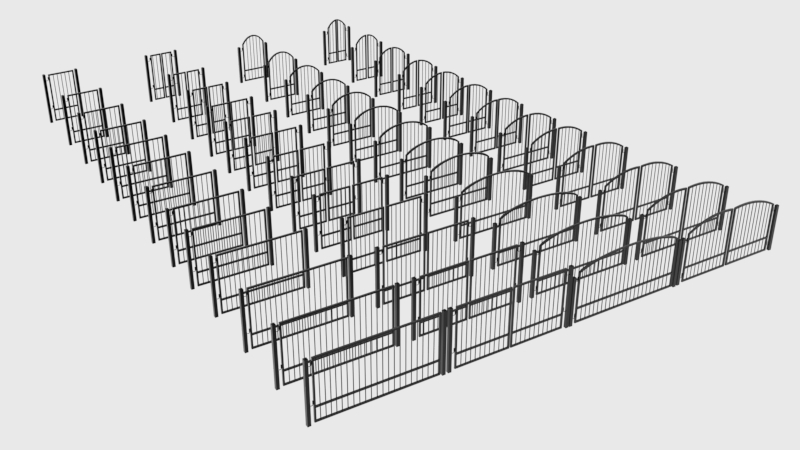
Gate Pack
52 customizable gates across 4 styles - walk-through, driveway, estate, and contemporary - with adjustable widths and heights and matching posts and latches.
 Free
Free
Plus
Outdoor V-Ray Material Library
Drag and drop these materials into your project to add high-quality PBR textures to your outdoor models!
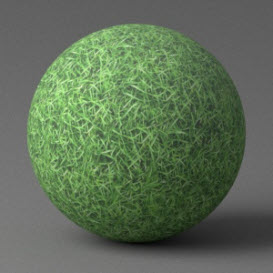
Grass - Green/Medium 1
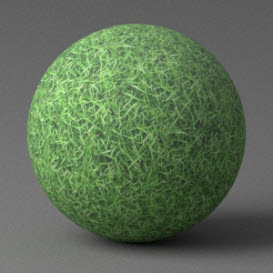
Grass - Green/Dark 1
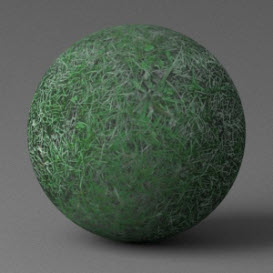
Grass - Green/Medium 2
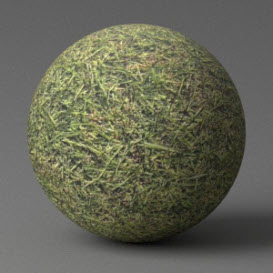
Grass - Green/Medium 3
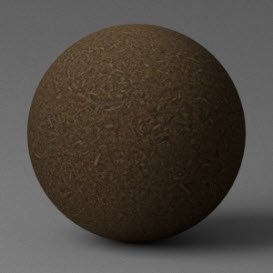
Mulch – Brown
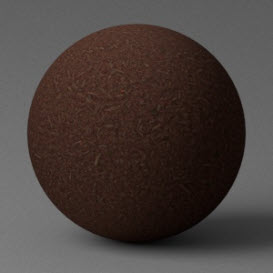
Mulch – Red
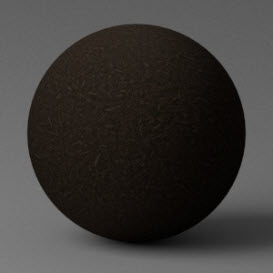
Mulch – Black

Concrete – Rough
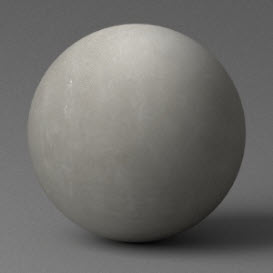
Concrete – Smoke
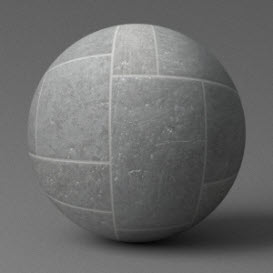
Pavers – Mixed Stone
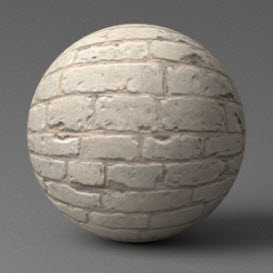
Brick – White Sandstone
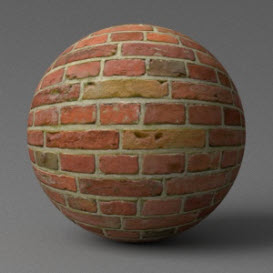
Brick – Red 1
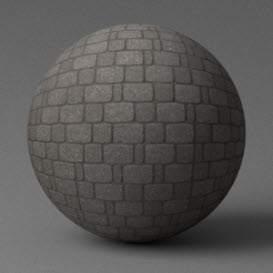
Pavers – Gray 1
Grass - Green/Medium 3
Grass - Green/Dark 1
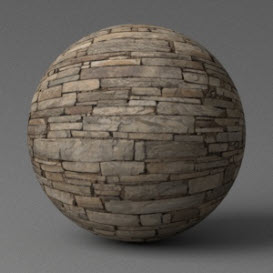
Stone Cladding 1
Grass - Green/Medium 3
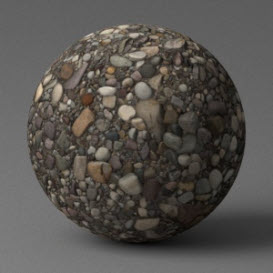
Gravel – River Rock
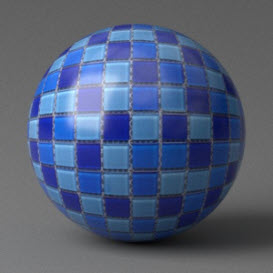
Mosaic Pool Tile Blue
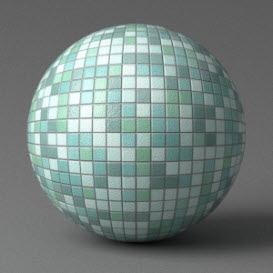
Mosaic Pool Tile Green
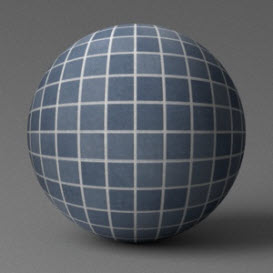
Pool Tile Dark Blue
And Many More!
🔥 BONUS AI Module
🔥 BONUS AI Module
Turn your renders into short videos, unboxings, timelapses, and more using the power of AI tools! These lessons will give you the technological edge, impress clients, and have scroll-stopping visuals to grow your business.
Bonus AI Lessons (60 Min)
- Using AI to Convert a Render to Video [14:52]
- Using AI to Improve Video Quality [11:23]
- Creating a Video Compilation [7:24]
- Using AI to Add Slow Motion Effect [4:16]
- Creating a Video Compilation for Social Media [13:42]
- Creating a Timelapse [5:17]
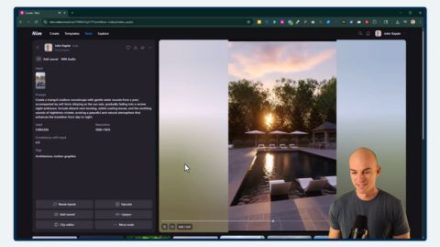
Create Scroll Stopping Animations
I'll show you the latest AI tools to create videos like this one, and so much more!
Meet Your Instructor
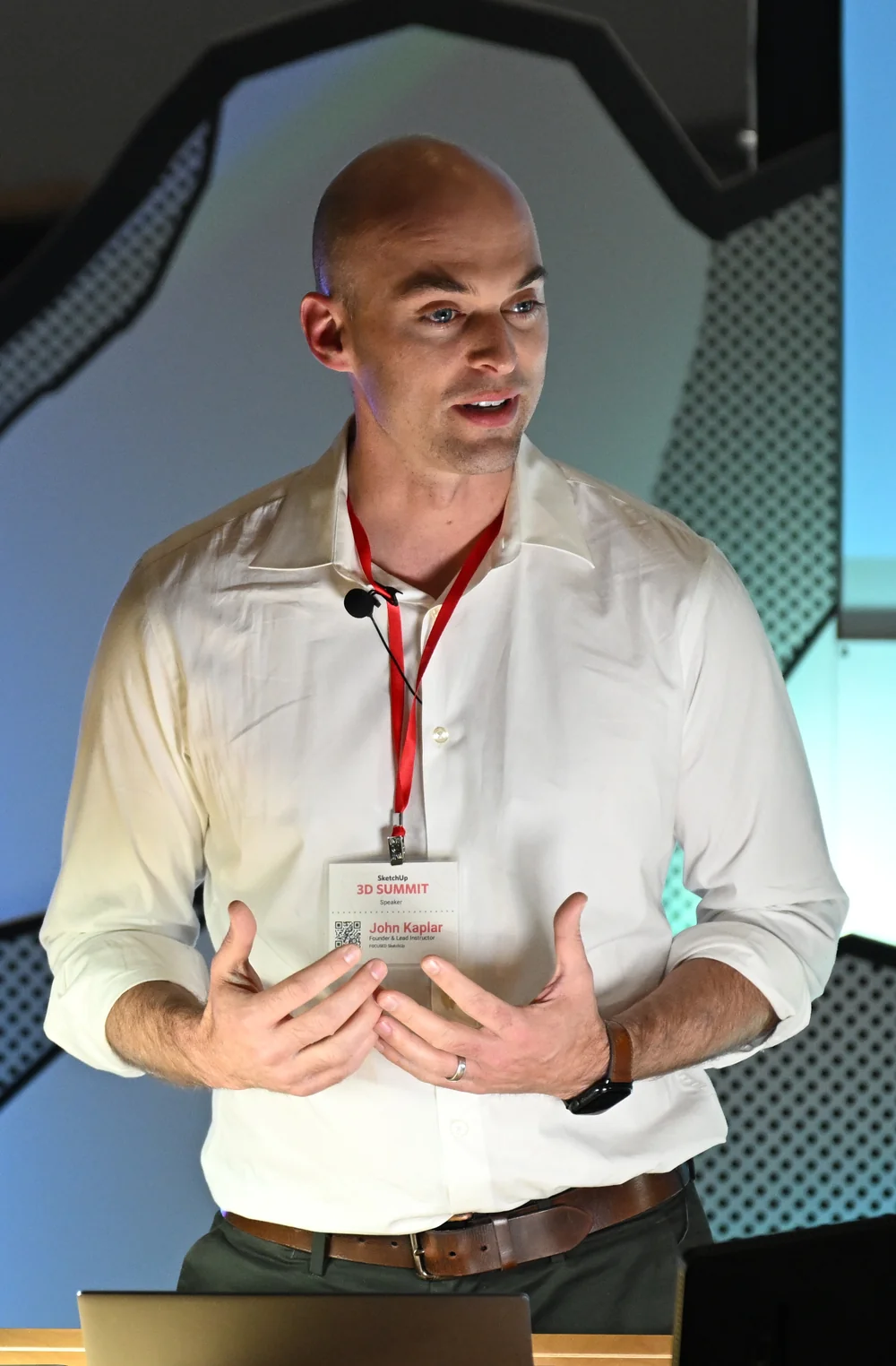
John Kaplar
Founder of FOCUSED SketchUp
Student Reviews
Hear What My Students are Saying
Video Testimonials
Facebook Reviews
No Risk Offer
Satisfaction Guarantee

I am so certain you will love this program that I am offering a Risk-Free 14-Day Money Back Guarantee! After 14 days, if you are not satisfied with the course and decide it's not for you, I will give you a full refund.
All you have to do is contact me within 14 days of purchasing, and I will give you 100% of your money back.

FAQ
Questions, Answered
What topics will be covered in this course?
What will I be able to do after completing this course?
Is this course suitable for beginners or is it more advanced?
Are there any prerequisites for this course?
Do you offer a course syllabus or curriculum outline?
Are there any hands-on projects or exercises?
So, To Summarize...
Here is Everything You Get
- 105 video lessons (22+ hours)Included
- FOCUSED Method™ training methodologyIncluded
- Student Community access (lifetime)Included
- 250+ page printable course guide with lesson notesIncluded
- Printable SketchUp 2-sided cheat sheetIncluded
- Outdoor Furniture Pack (100+ pieces)Included
- Outdoor Kitchen Pack (dozens of appliances)Included
- Gate Pack (52 customizable gates in 4 styles)Included
- Pre-configured V-Ray outdoor material library with PBR texturesIncluded
- Grass, mulch, concrete, pavers, pool tile, and stone materialsIncluded
- Included in FOCUSED Pro, with every future updateIncluded
- 14-day money-back guaranteeIncluded
Ready to Start 7-Day SketchUp Bootcamp for Landscaping, Pools & Patios?
Included in FOCUSED Pro
Plus the Replay Video Vault, the course guides and the FOCUSED Community. Monthly, yearly or lifetime.
14-day money-back guarantee