FOCUSED Course
FOCUSED D5 Render
The complete D5 Render workflow for SketchUp designers who want speed and quality.
8 modules, 27 lessons, ~6 hours
Real-Time Rendering Sounds Simple - Until You Actually Try to Get a Great Result.
D5 Render is powerful. It's also easy to spend hours tweaking materials and lighting and still end up with something that looks flat. Without a structured workflow, real-time rendering just means your mistakes happen faster.
This course gives you that structure. You'll learn how to connect D5 to SketchUp cleanly, how to set up lighting that actually reads, how to assign and customize materials, and how to produce images and animations you can hand directly to a client.
The FOCUSED D5 workflow strips out the guesswork. By the end you'll have a repeatable system for interior and exterior scenes - and you'll know exactly when to use D5 and when AI rendering is the better call.
See My SketchUp to D5 Workflow with
SketchUp LiveSync
Powered by the D5 Render Extension in SketchUp, this tool creates a live connection from SketchUp to D5 Render so that you can work in both environments at the same time, with real-time updates.
Is this for you?
Who Is This Course For?
- Interior Designers
- Kitchen & Bath Designers
- Architects
- Landscape Designers
- Pool & Patio Designers
- Home Stagers
- Furniture Designers
- Real Estate Agents
- Property Developers
- DIY Home Renovators
- 3D Visualization Artists
- SketchUp + V-Ray Users
- Social Media Managers in Design
- Marketing Professionals
Course
Breakdown
Take a Peek at the
Course Structure
Inside this course, you'll learn the complete D5 Render workflow from setup through final output - including a full primary bedroom demo project.
Module 1 - Introduction to D5 Render
- Overview of D5 Render [7:56]
- Installation and Setup [9:03]
- Interface Navigation [13:57]
- Using the AI Agent [2:30]
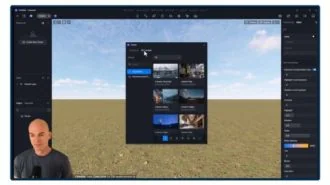
Module 2 - Importing and Managing Models
- Importing Models into D5 Render [13:43]
- Managing and Organizing Models [6:10]
- Using the Asset Library [13:08]
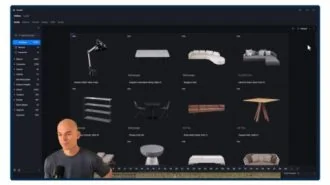
Module 3 - Materials and Textures
- Exploring the D5 Material Museum [10:52]
- Applying & Customizing Materials [12:05]
- Using AI Tools for Materials [13:59]
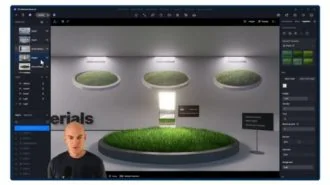
Module 4 - Lighting and Environment
- Basic Lighting Setup [22:17]
- Sun, Sky, Clouds, and Using HDRIs [11:25]
- Using and Managing Presets [4:24]
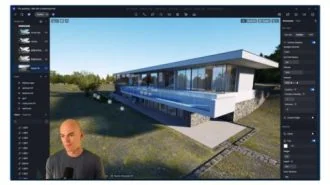
Module 5 - Rendering Basics
- Render Settings Overview [5:09]
- Exporting Images [10:03]
- AI Image Enhancer for Renders [11:11]
- Creating Camera Animations [21:19]
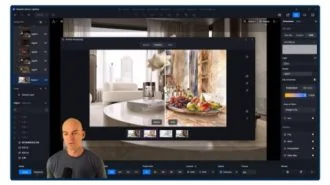
Module 6 - SketchUp Integration
- SketchUp LiveSync with D5 Render [16:21]
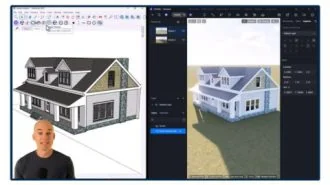
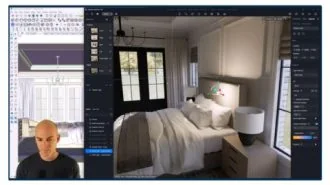
Module 7 - Demo: Primary Bedroom
- Primary Bedroom - Part 1 [50:07]
- Primary Bedroom - Part 2 [42:39]
- Primary Bedroom - Part 3 [26:20]
You'll also get
3 FREE Bonus Items
 Free
Free
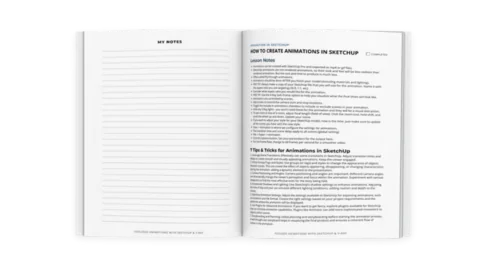
200+ Page Printable Course Guide
A printable PDF with lesson notes from every module - perfect for following along and taking your own notes as you go.
 Free
Free
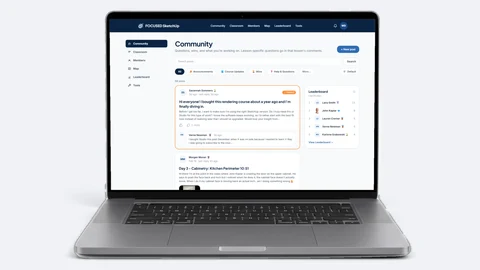
Student Community Access
Get support and help from me and fellow students inside the FOCUSED SketchUp Student Community - post in the forum or ask right on the lesson you are stuck on. Included with FOCUSED Pro.
 Free
Free
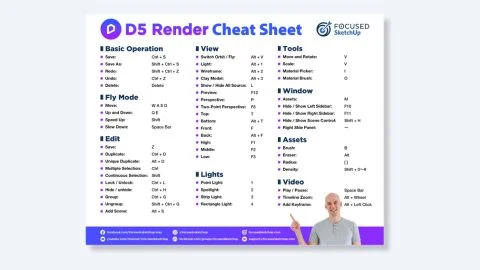
Printable D5 Render Cheat Sheet
My printable D5 Render reference card with every shortcut, tool, and setting you'll use daily - designed for quick lookup as you work.
Meet Your Instructor
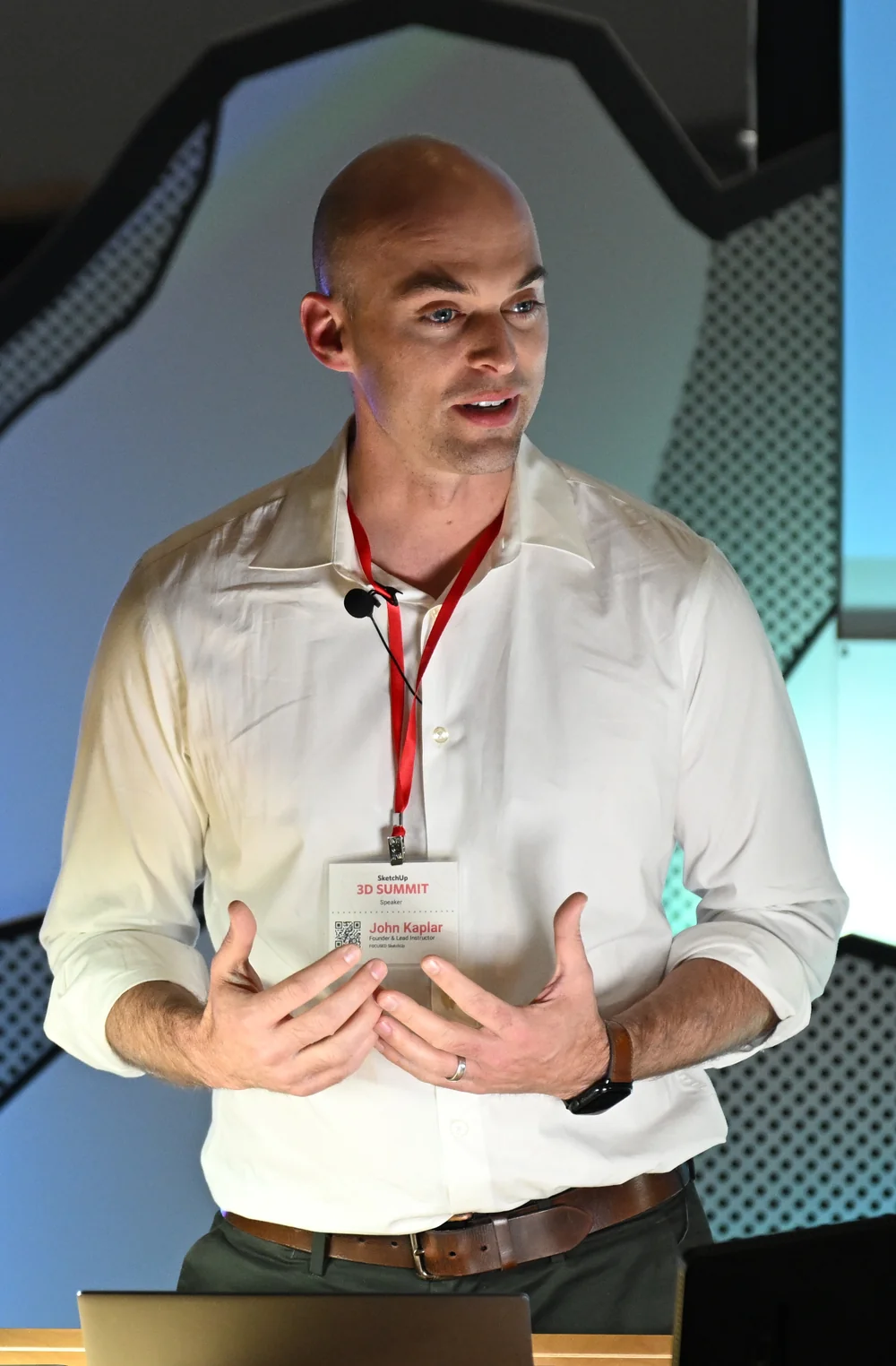
John Kaplar
Founder of FOCUSED SketchUp
Student Reviews
Hear What My Students are Saying
Video Testimonials
Facebook Reviews
No Risk Offer
Satisfaction Guarantee

I am so certain you will love this program that I am offering a Risk-Free 14-Day Money Back Guarantee! After 14 days, if you are not satisfied with the course and decide it's not for you, I will give you a full refund.
All you have to do is contact me within 14 days of purchasing, and I will give you 100% of your money back.

FAQ
Questions, Answered
What topics are covered in this course?
What will I be able to do after completing this course?
Is this course suitable for beginners or is it more advanced?
Are there any prerequisites for this course?
Do you offer a course syllabus or curriculum outline?
Are there any hands-on projects or exercises?
So, To Summarize...
Here is Everything You Get
- 27 online, pre-recorded video lessonsIncluded
- 6 hours of trainingIncluded
- 75+ page printable notes for course lessonsIncluded
- Printable D5 Render cheat sheetIncluded
- Student Community accessIncluded
- Included in FOCUSED Pro, with every future updateIncluded
- 14-day money-back guaranteeIncluded
Ready to Start FOCUSED D5 Render?
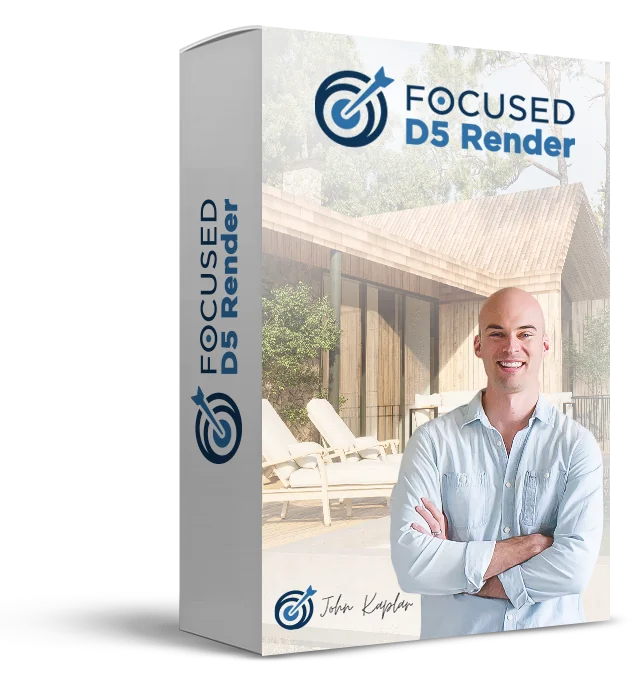
Included in FOCUSED Pro
Plus the Replay Video Vault, the course guides and the FOCUSED Community. Monthly, yearly or lifetime.
14-day money-back guarantee