FOCUSED Course
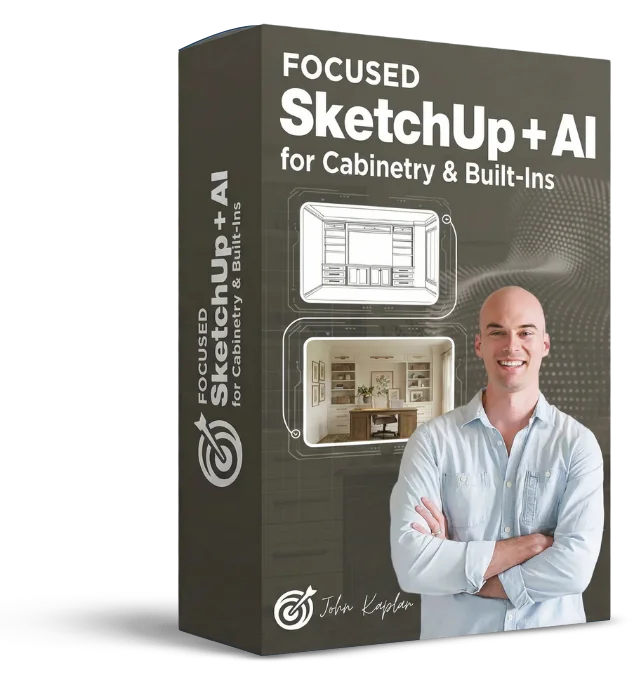
FOCUSED SketchUp + AI for Cabinetry & Built-Ins
Model, document, and render cabinetry and built-ins - then bring them to life with AI.
6 modules, 63 lessons, ~11 hours
Documentation and Client Visuals Have Always Been the Bottleneck in Cabinetry Work.
You can build the cabinet. The hard part is proving to the client it's exactly what they want - before you cut a single board. That means elevations, cut lists, material estimates, and renders that actually show the grain, the hardware, and the finish. Most cabinetmakers and designers do all of that the slow way, or skip it entirely.
SketchUp
Modeling
Cut Lists +
Documentation
AI
Rendering
This course changes that. You'll model real cabinetry and built-in projects in SketchUp using the FOCUSED Method - a repeatable workflow built specifically for fabrication, not just visualization. You'll generate accurate documentation, cut lists, and CNC exports directly from your model. And you'll use AI rendering to produce photorealistic client images in minutes.
The result is a complete shop-to-client workflow you can run on every project. Less back-and-forth, fewer surprises on install day, and visuals that help you close more work.
See the Results
The AI Renders You Will Create
Using the workflow taught in this course, you will learn how to create photorealistic AI renders of cabinetry and built-in projects that impress clients before the first board is cut.
See the Deliverable
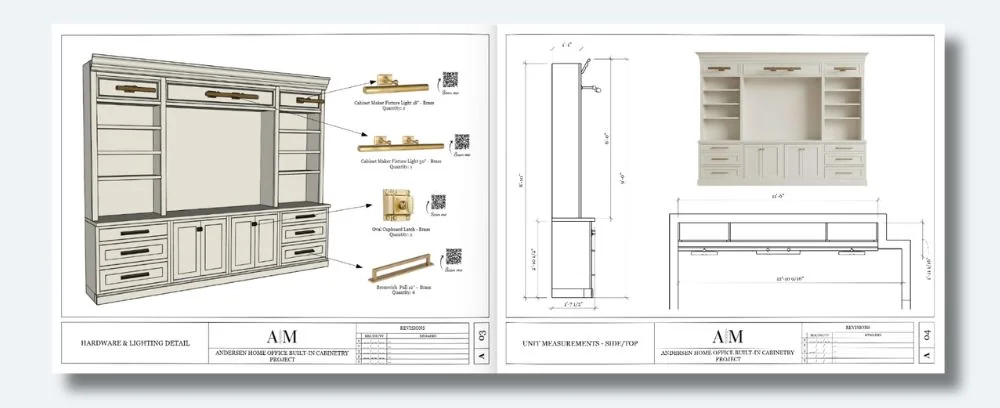
The Design Doc You Will Create
You'll use LayOut to create professional design documentation that impresses clients and closes projects - just like you see below.
Is this for you?
Who Is This Course For?
- Custom Cabinetmakers
- Finish Carpenters
- Millwork Designers
- Residential Remodelers
- Design-Build Contractors
- Interior Designers
- Woodworkers
- Kitchen & Bath Designers
- Built-In Furniture Designers
- Home Builders
- Cabinet Manufacturers
- Cabinet Installers
- Drafting Technicians
- Furniture Makers
- DIY Pros
Course
Breakdown
Take a Peek at the
Course Structure
Inside this course, you'll learn the complete workflow for modeling cabinetry, generating shop-ready documentation, and producing photorealistic AI renders.
Module 1 - Core SketchUp Training
- PC/WINDOWS: Installing SketchUp [6:07]
- PC/WINDOWS: Setting up Your Workspace [2:55]
- PC/WINDOWS: Setup Keyboard Shortcuts [3:02]
- MAC: Installing SketchUp [9:56]
- MAC: Setting up Your Workspace [9:55]
- MAC: Setup Keyboard Shortcuts [3:56]
- Intro and Cheat Sheet [3:42]
- Mouse and Navigation [9:16]
- Using the Keyboard [4:18]
- The Select Tool [4:33]
- The Move Tool [14:19]
- The Line Tool [11:33]
- The Rectangle Tool [6:35]
- The Circle Tool [4:47]
- The Arc Tool [3:30]
- The Tape Measure Tool [5:35]
- The Offset Tool [2:59]
- The Push/Pull Tool [3:56]
- The Rotate Tool [5:11]
- The Scale Tool [6:57]
- The Paint Bucket Tool [4:29]
- The Flip Tool [3:01]
- Groups [11:56]
- Components [7:59]
- Outliner [7:47]
- Tags [7:51]
- Hiding and Unhiding [3:50]
- Section Cuts [8:36]
- Scenes [8:45]
- The Trimble 3D Warehouse [14:19]
- Materials in SketchUp [11:12]
- Applying SketchUp Styles [11:20]
- Component Finder by FlexTools [6:00]
- Profile Builder [14:18]
- Setting Up Your Component Library [5:30]
Module 2 - Cabinetry Basics
- How to Model a Kitchen Cabinet [13:13]
- How to Create a Cabinet Collection [15:50]
Module 3 - Home Office Built-In - Part 1
- Project Overview [5:39]
- Modeling the Unit [42:05]
- Adding Lights & Hardware [10:07]
- Creating a Room and Placing the Unit [24:55]
- Creating Scenes and Elevations [15:24]
- Introduction to the AI Rendering Platform [9:56]
- Photorealistic Rendering with AI [27:44]
Module 4 - Core LayOut
- Templates and Document Setup [15:32]
- The LayOut Interface [6:11]
- Pages and Viewports [16:46]
- Text and Labels [8:06]
- Measurements and Dimensions [11:45]
- Scrapbooks [13:44]
- How to Export in LayOut [4:35]
- Presenting Your Document [3:45]
Module 5 - Home Office Built-In - Part 2
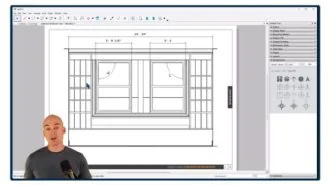
- Creating a Client Design Pack with LayOut [67:06]
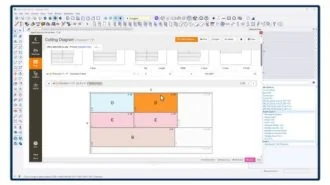
- Creating a Cut List [26:47]
- Estimating Materials & Cost [8:10]
- Exporting to a CNC Machine [4:13]
- Showing Your Unit in Augmented Reality [13:37]
Module 6 - Advanced Topics
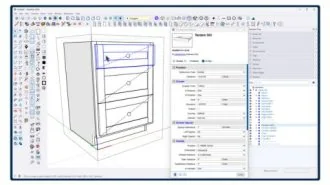
- Cabinet Sense - How to Install & Configure [11:36]
- Cabinet Sense - Basics [23:27]
- Cabinet Sense - Exporting to a CNC Machine
Module 7 - Bonus: Visuals and Business
- Creating Short Videos from Renders [16:35]
- Turning a Render into a Professional Social Post [10:20]
- Using Visuals to Grow Your Business
Learn My Cutting Edge Workflow for
🔥 AI Rendering
Using a simple template that I provide in the course, you can create photorealistic images and videos from your SketchUp model in minutes. Yes…you read that correct…minutes!
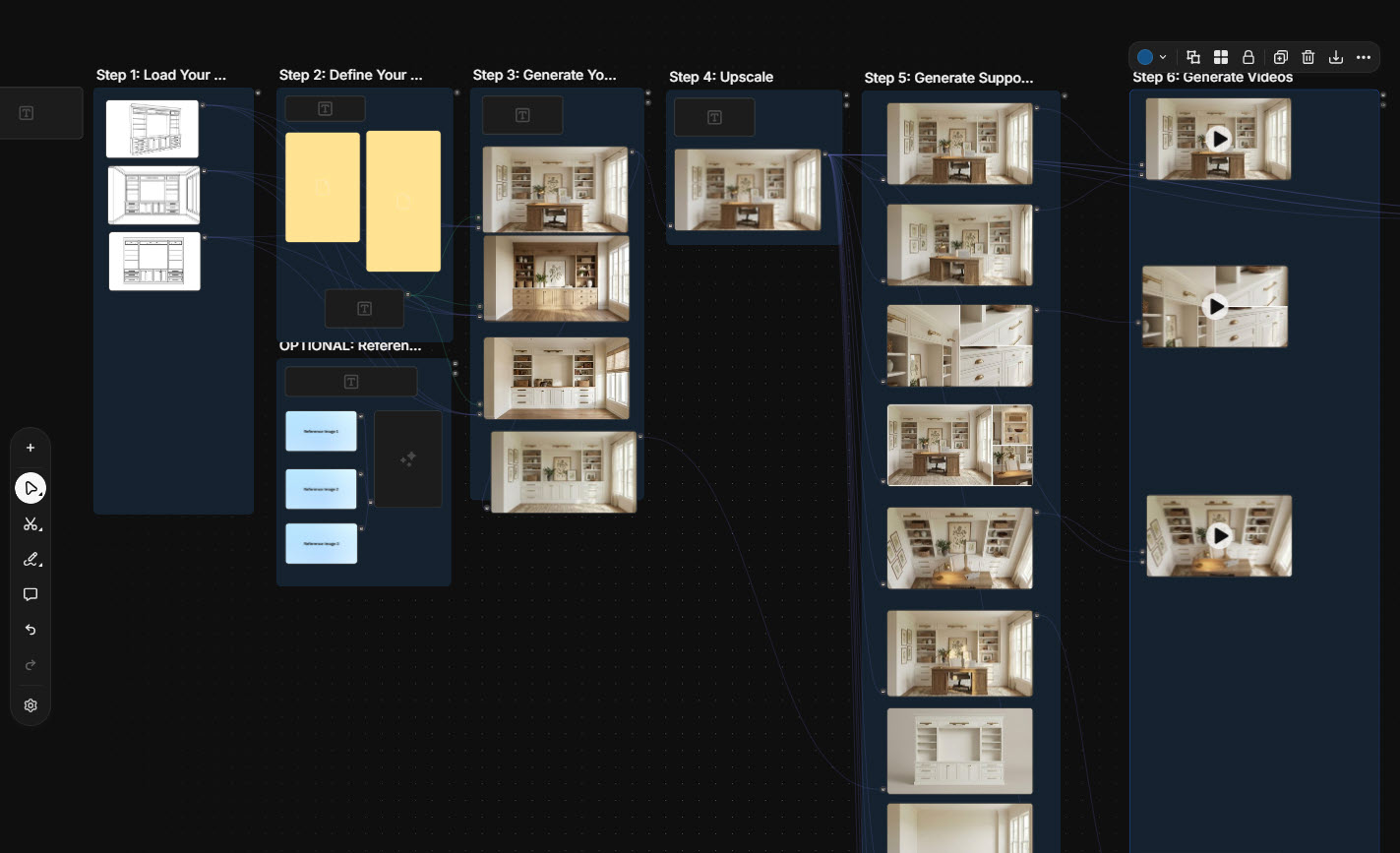
My AI Template Makes it Easy
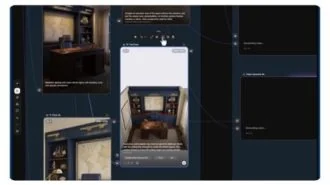
The template is organized into various stages. You upload basic SketchUp line drawings, specify your style (or load inspo images), and it will create a series of photorealistic images with various angles, lighting, and perspectives.
And don't forget about videos - it uses the latest AI models to turn your renders into videos!
Sketch to Render in Under 2 Minutes
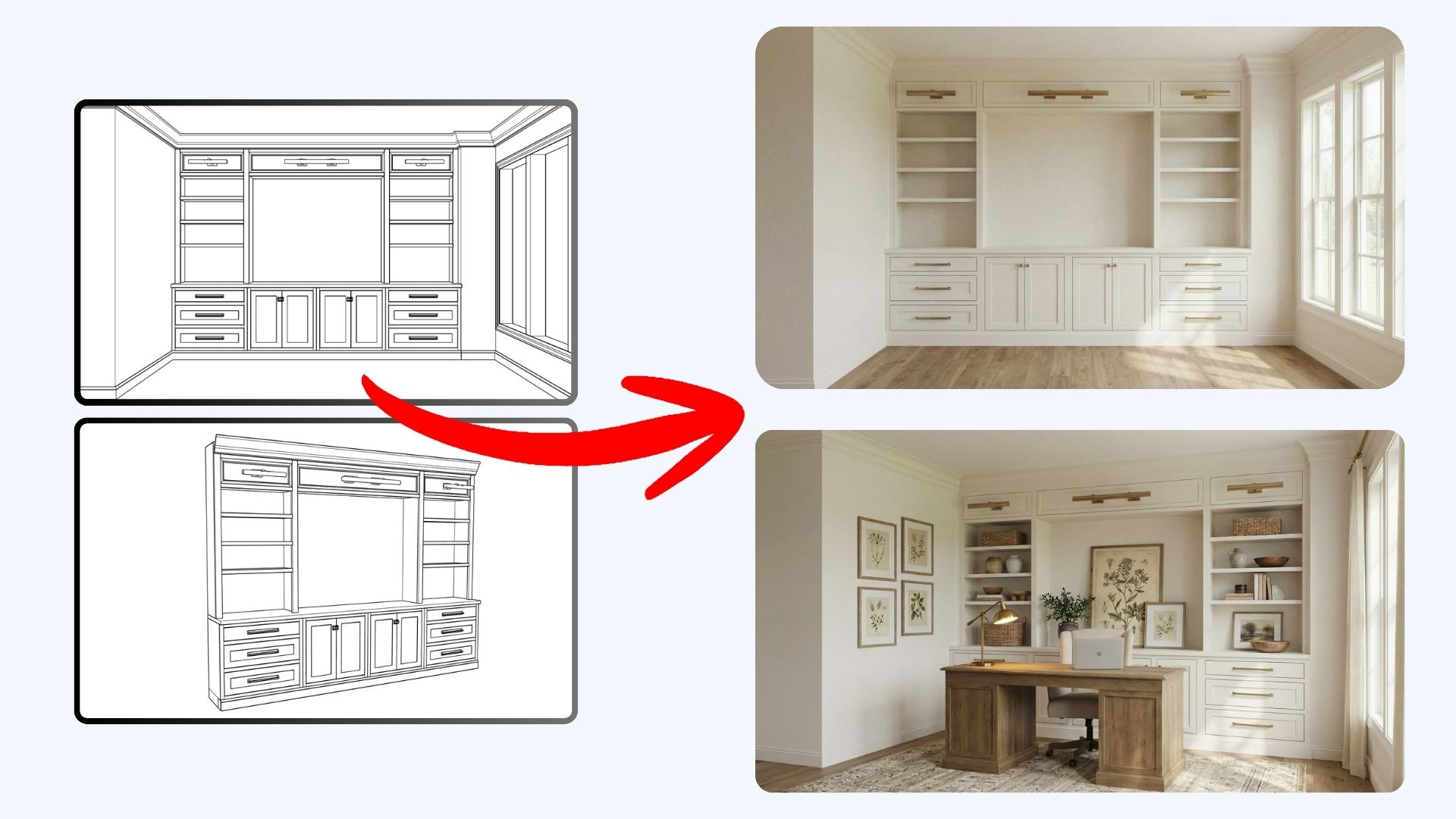
This template alone is worth the cost of the course!
You'll also get
3 FREE Bonus Items
 Free
Free
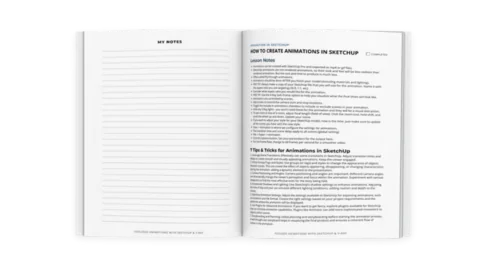
200+ Page Printable Course Guide
A printable PDF with lesson notes from every module - perfect for following along and taking your own notes as you go.
 Free
Free
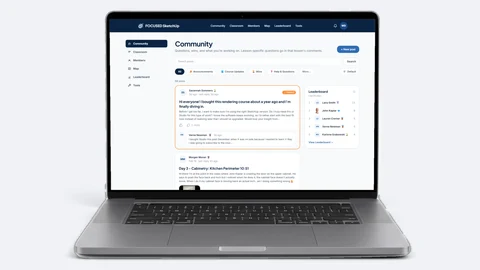
Student Community Access
Get support and help from me and fellow students inside the FOCUSED SketchUp Student Community - post in the forum or ask right on the lesson you are stuck on. Included with FOCUSED Pro.
 Free
Free
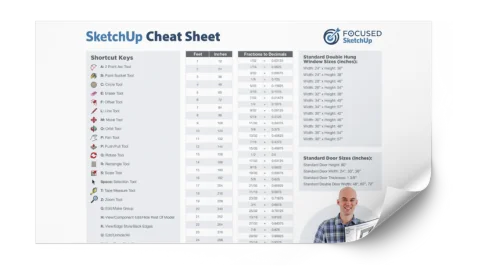
Printable SketchUp Cheat Sheet
My 2-sided SketchUp reference card with every shortcut, tool, and setting you'll use daily - printable and designed for quick lookup.
Everything you need
3 Packs of Over 1,000 Downloadable Objects - Absolutely FREE!
Inset Shaker Cabinet Pack
The centerpiece of the course. Drop any of 600+ pre-made inset Shaker cabinets into your built-ins - multiple sizes, finishes, and configurations ready to use. Saves you hours of modeling on every project.
 Free
Free
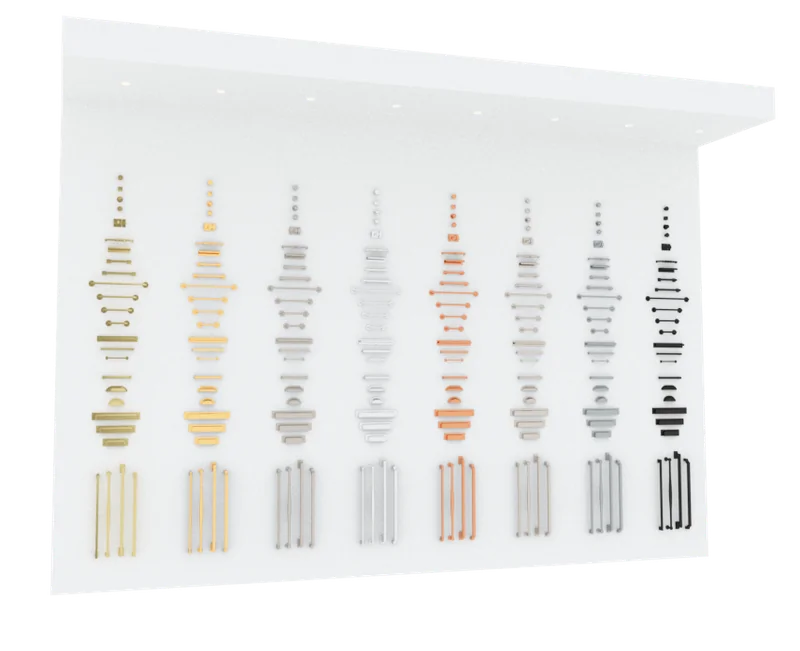
Hardware Pack
264 hardware pieces in 8 finishes - antique brass, polished nickel, matte black, and more.
 Free
Free
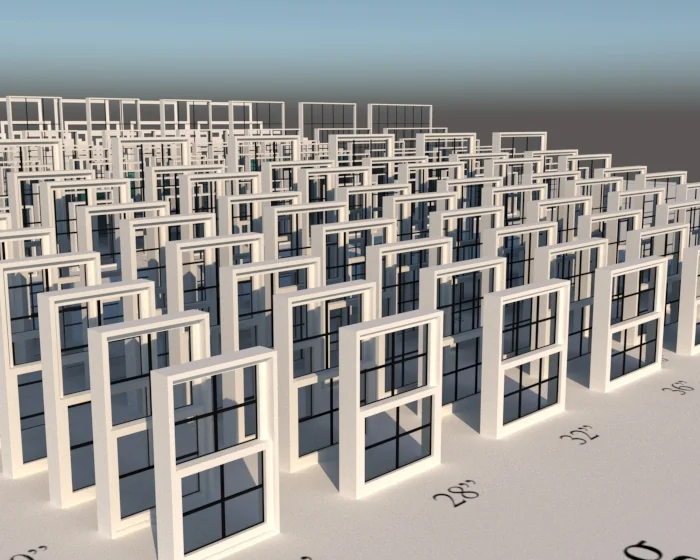
Window & Trim Pack
163 single-pane and double-hung windows with 100 matching pre-made trim casings included.
Meet Your Instructor
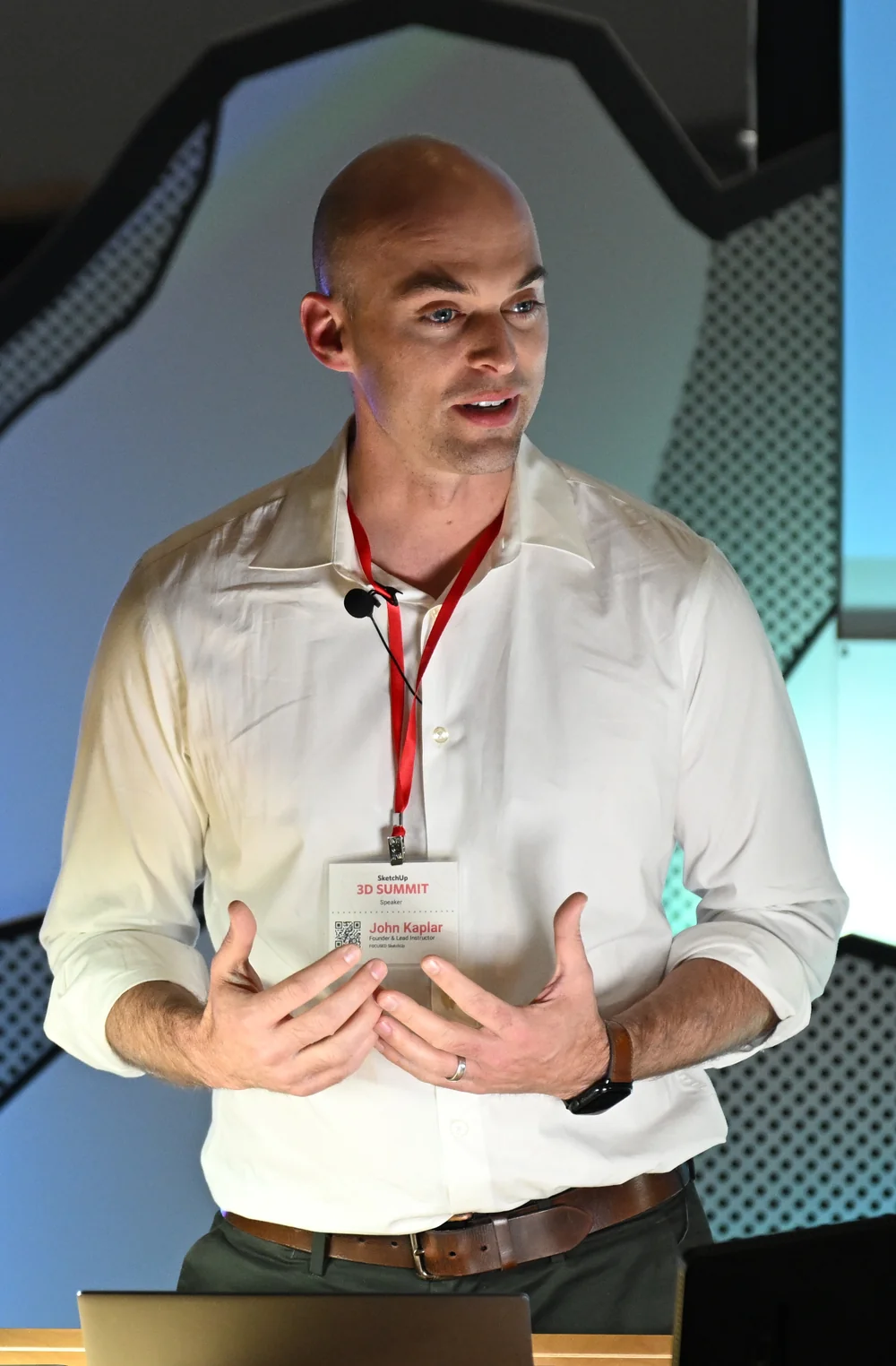
John Kaplar
Founder of FOCUSED SketchUp
Student Reviews
Hear What My Students are Saying
Video Testimonials
Facebook Reviews
No Risk Offer
Satisfaction Guarantee

I am so certain you will love this program that I am offering a Risk-Free 14-Day Money Back Guarantee! After 14 days, if you are not satisfied with the course and decide it's not for you, I will give you a full refund.
All you have to do is contact me within 14 days of purchasing, and I will give you 100% of your money back.

FAQ
Questions, Answered
What topics will be covered in this course?
What will I be able to do after completing this course?
Is this course suitable for beginners or is it more advanced?
Are there any prerequisites for this course?
Do you offer a course syllabus or curriculum outline?
Are there any hands-on projects or exercises?
So, To Summarize...
Here is Everything You Get
- 63 step-by-step video lessons (11+ hours)Included
- Beginner-friendly SketchUp trainingIncluded
- Cabinetry and built-in modeling workflowsIncluded
- Full custom built-in project (start to finish)Included
- Clean model organization systemIncluded
- Reusable cabinet collectionsIncluded
- Scenes, elevations, and documentation setupIncluded
- LayOut training for client-ready drawingsIncluded
- Cut lists and material estimatingIncluded
- CNC and shop-ready export workflowsIncluded
- Cabinet Sense setup and usageIncluded
- AI rendering for photorealistic images in minutesIncluded
- Built-in AI image and video templateIncluded
- Training for short videos and social visualsIncluded
- Inset Shaker Cabinet Pack with 643 cabinetsIncluded
- Hardware Pack with 264 piecesIncluded
- Printable course guide and cheatsheetIncluded
- Included in FOCUSED Pro, with every future updateIncluded
- 14-day money-back guaranteeIncluded
- Window & Trim Pack (163 windows with 100 trim casings)Included
Ready to Start FOCUSED SketchUp + AI for Cabinetry & Built-Ins?
Included in FOCUSED Pro
Plus the Replay Video Vault, the course guides and the FOCUSED Community. Monthly, yearly or lifetime.
14-day money-back guarantee