FOCUSED Course
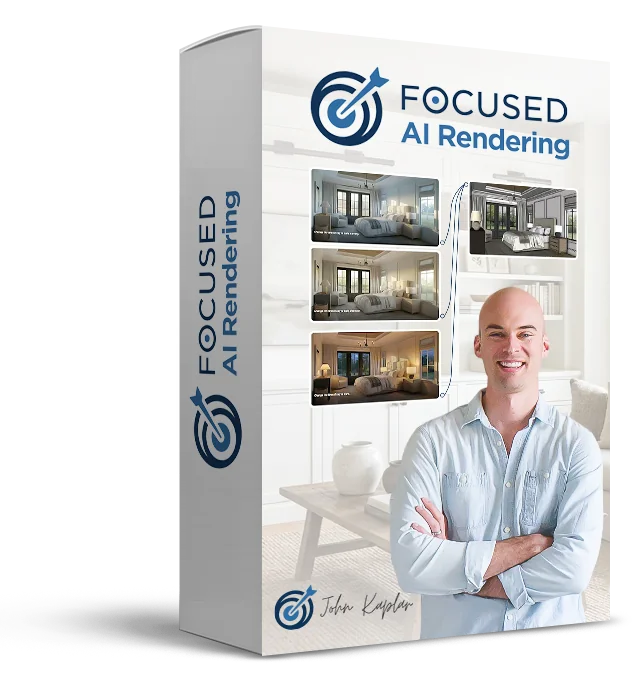
FOCUSED AI Rendering
Photorealistic images and videos using AI - without V-Ray, Enscape, or D5.
6 modules, 35 lessons, ~6 hours
Rendering Has Always Been the Slowest Part of Your Workflow.
You've modeled the space, nailed the materials, and placed the cameras. Then you hit Render and wait. Hours later you get one image - maybe two. Want to test a different lighting mood? Start over.
Materials +
Textures
Lighting
Cameras
Render
Settings
AI rendering changes that. What used to take hours now takes minutes. What used to cost days of overhead now fits inside a client meeting. And the output holds up next to any traditional render when you use the right workflow.
The FOCUSED AI Rendering Framework is that workflow. A repeatable system that gives you full control of lighting, materials, mood, and composition - without V-Ray, Enscape, or D5.
The Tipping Point
AI Rendering Has Finally Reached a Tipping Point
For the past few years, AI image generation has been interesting, but not very practical for real design work.
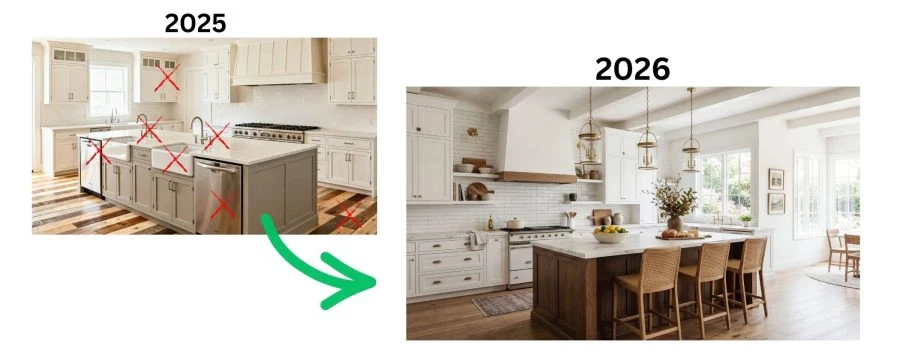
The images looked cool, but they weren't reliable enough for professional use.
That has changed.
New AI rendering tools are now capable of producing high-quality photorealistic visuals in minutes.
But there's still a problem.
Most designers approach AI rendering randomly.
They upload an image, type a prompt, and hope the result looks good.
That leads to inconsistent results and a lot of frustration.
What's missing is a structured workflow.
Introducing the FOCUSED AI Rendering Framework™
After extensive testing and experimentation, I developed a system called the FOCUSED AI Rendering Framework™.
This framework turns AI rendering into a repeatable, professional workflow.
Instead of guessing with prompts, you follow a clear process that produces consistent results.
The framework includes:
- The FOCUSED Export Formula™
- The FOCUSED AI Prompt Block™
- The FOCUSED Node Workflow™
Together, these components allow you to reliably transform simple model exports into photorealistic renders and videos in minutes.
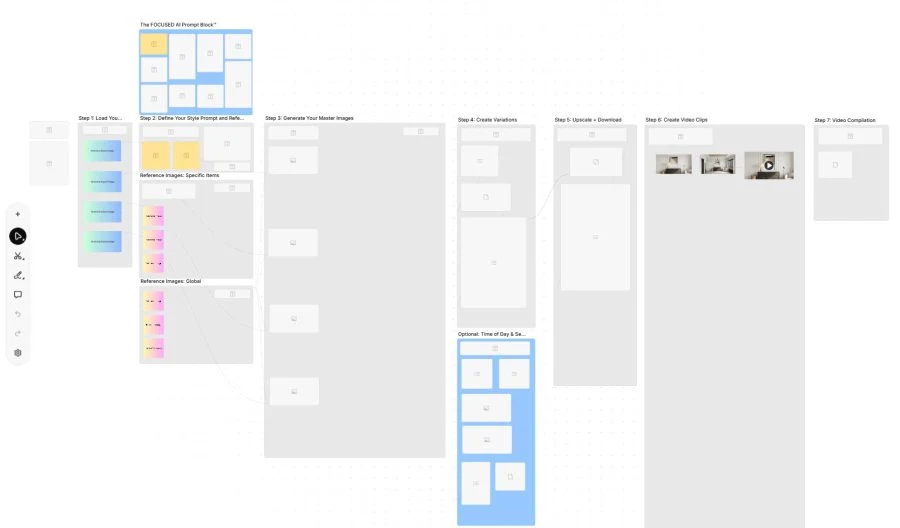
The node-based template (above) that I provide inside the course is the secret-sauce that gives you control over AI rendering. It's a seven step process where you load your SketchUp exports in Step 1, and by the time you reach Step 7, you have dozens of photorealistic renders and a compilation video of your space.
The Three AI Rendering Workflows
Designers are now using AI in three primary ways.
Workflow 1 - Concept Visualization
This is where AI first exploded in the design world.
Tools like Midjourney allowed designers to generate design ideas instantly from prompts.
This workflow is great for:
- exploring styles
- brainstorming ideas
- creating mood boards
- early design inspiration
Powerful, yes. But these images are not connected to your actual model.
Workflow 2 - Render Enhancement
The second workflow uses AI to improve existing renders.
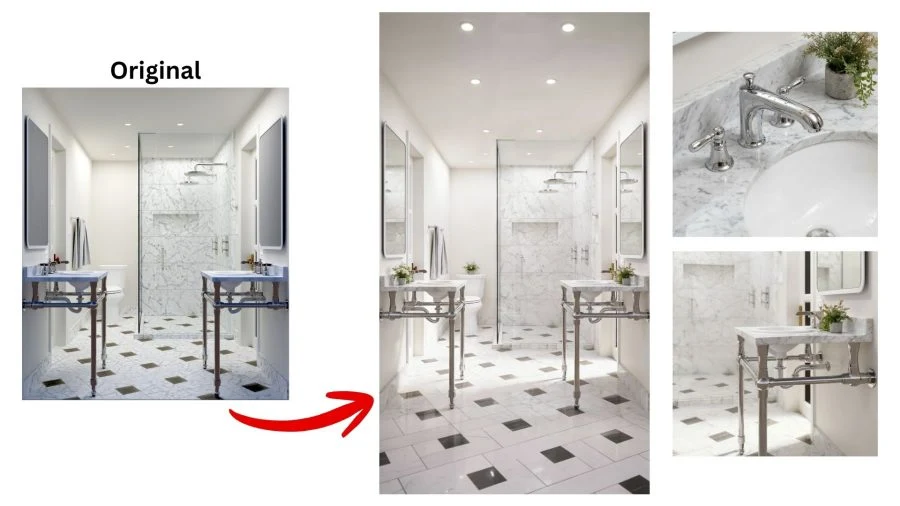
You can take a basic render and dramatically improve:
- lighting
- textures
- materials
- overall realism
This is useful for upgrading older renders or improving marketing visuals.
🔥 Workflow 3 - AI Rendering
This is where things get really powerful.
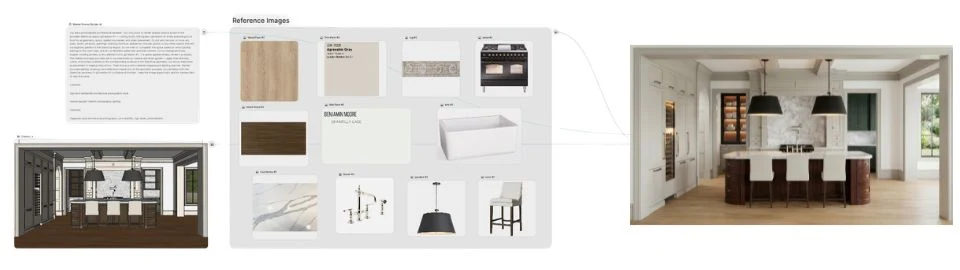
Instead of using a traditional rendering engine, you export an image from your modeling software and use AI to turn it into a photorealistic render.

No complicated render settings. No long render times. Just fast, high-quality visuals.
More Control Than Previous AI Tools
Earlier AI image generators were difficult to control.
This workflow allows you to guide the AI using real design references, including:
- real products
- cabinetry styles
- materials and finishes
- lighting fixtures
- furniture and décor
This gives you far more control over the final result.
You can also generate dozens of variations in minutes, including:
- different camera angles
- different times of day
- alternate materials
- multiple design styles
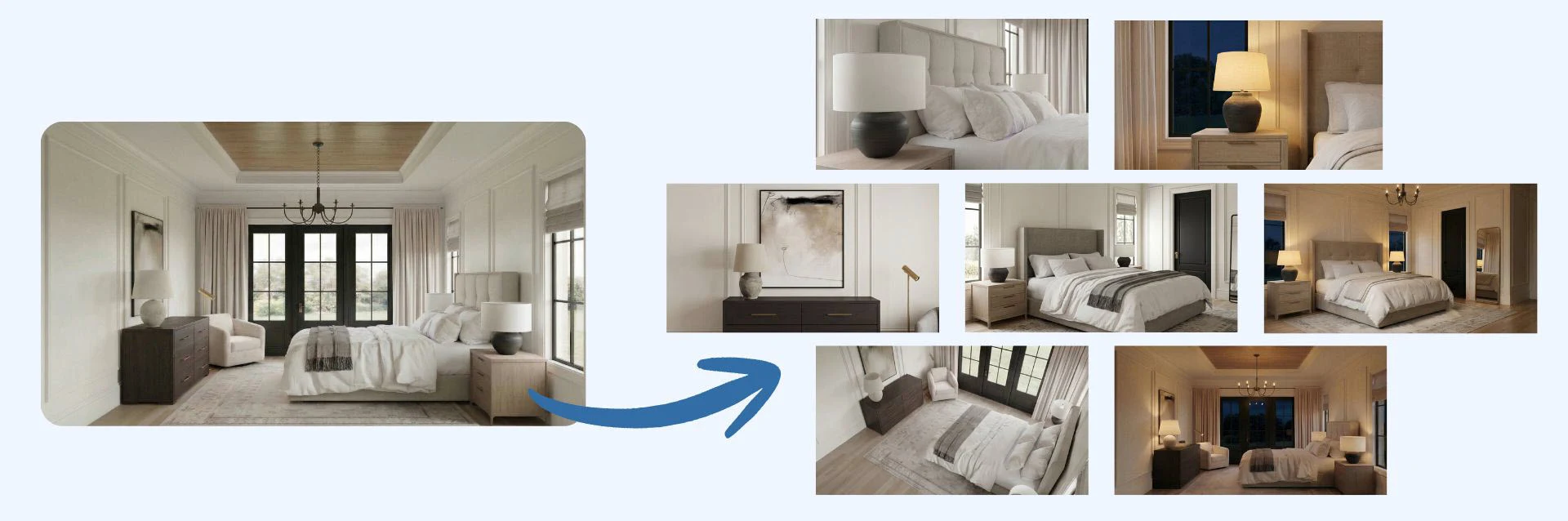
You can even create short videos from these renders, making it easy to produce engaging presentations and social media content.
See the Results
The AI Renders You Will Create
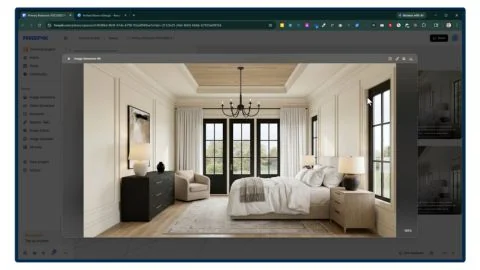
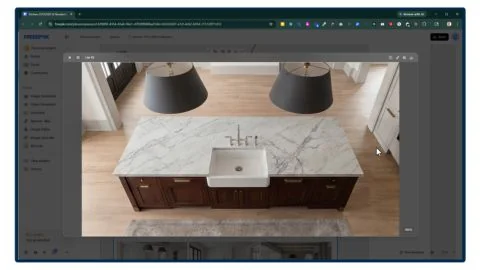
Using the templates I give you in this course, you will learn how to create these AI renders that look stunning - not hours to generate.
Is this for you?
Who Is This Course For?
- Interior Designers
- Kitchen and Bath Designers
- Architects
- Architectural Designers
- Residential Designers
- Landscape Designers
- Landscape Architects
- Custom Cabinetry Designers
- Furniture Designers
- Remodelers
- Real Estate Developers
- Real Estate Marketing
- Staging Professionals
- Home Builders
Course
Breakdown
Take a Peek at the
Course Structure
Inside this course, you'll learn the complete workflow for producing professional AI renders.
Module 1 - Understanding AI Rendering
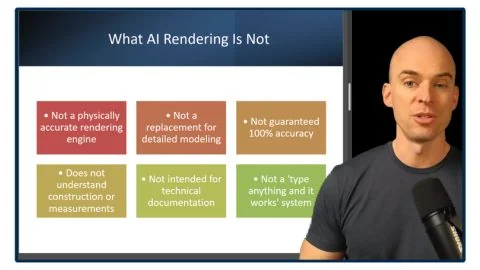
- What AI Rendering Is - And What It Is Not [11:31]
- The FOCUSED AI Rendering Framework™ [4:56]
Module 2 - Prepping Your Model for AI
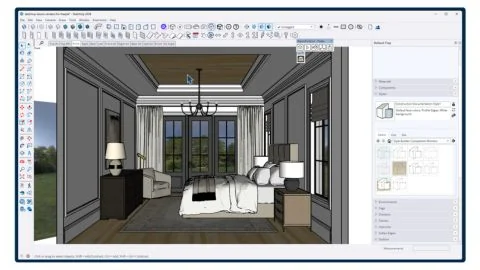
- SketchUp Styles That Produce the Best AI Results [6:12]
- The FOCUSED Export Formula™ [5:42]
Module 3 - Core AI Rendering Tools
- Creating Your Account [3:13]
- Basic Tools: Image Generator [10:53]
- Basic Tools: Image Editor [13:42]
- Basic Tools: Image Upscaler [4:39]
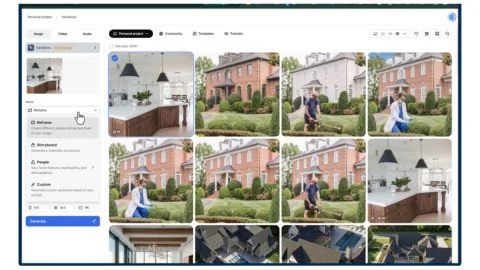
- Basic Tools: Variations [4:03]
- Basic Tools: AI Assistant [4:13]
- Basic Tools: Video Generator [4:29]
- Basic Tools: Video Upscaler [3:55]
Module 4 - The FOCUSED Node Workflow™
- Spaces: Introduction [5:57]
- Spaces: FOCUSED Node Workflow™ [31:08]
- Spaces: List [8:07]
- Spaces: Video Combiner [7:12]
- Using Templates [13:10]
- Creating Your Own Templates [12:55]
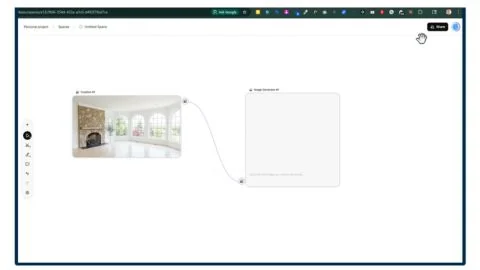
Module 4.1 - AI Rendering Workflows
- AI Workflow 1: Conceptual Renders [7:50]
- AI Workflow 2: Enhancing Renders [17:32]
- AI Workflow 3: AI Rendering [4:28]
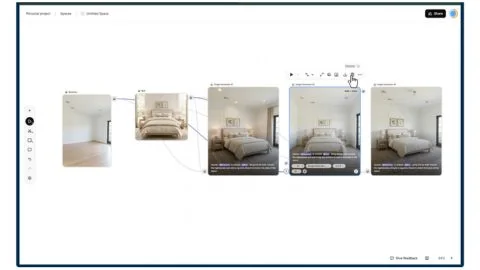
Module 5 - Demo: Primary Bedroom
- Step 1 - Load 3D Images [14:09]
- Step 2 - Prompt & Reference Images [16:42]
- Step 3 - Generate Master Images [23:30]
- Step 4 - Create Variations [18:05]
- Step 5 - Upscale & Download [3:53]
- Step 6 - Create Video Clips [21:17]
- Step 7 - Video Compilation [9:00]
Module 6 - Demo: Kitchen
- Step 1 - Load 3D Images [12:36]
- Step 2 - Prompt & Reference Images [19:47]
- Step 3 - Generate Master Images [24:50]
- Step 4 - Create Variations [18:36]
- Step 5 - Upscale & Download [2:55]
- Step 6 - Create Video Clips [21:30]
- Step 7 - Video Compilation [10:46]
You'll also get
2 FREE Bonus Items
 Free
Free
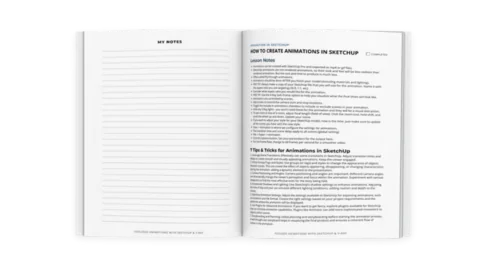
200+ Page Printable Course Guide
A printable PDF with lesson notes from every module - perfect for following along and taking your own notes as you go.
 Free
Free
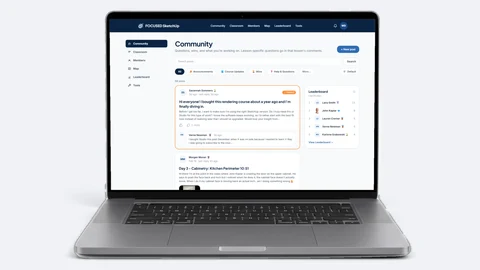
Student Community Access
Get support and help from me and fellow students inside the FOCUSED SketchUp Student Community - post in the forum or ask right on the lesson you are stuck on. Included with FOCUSED Pro.
INCLUDED IN FOCUSED PRO
Plus 5 More AI Templates
FOCUSED Pro members get these bonus templates with the course.
 Add-on
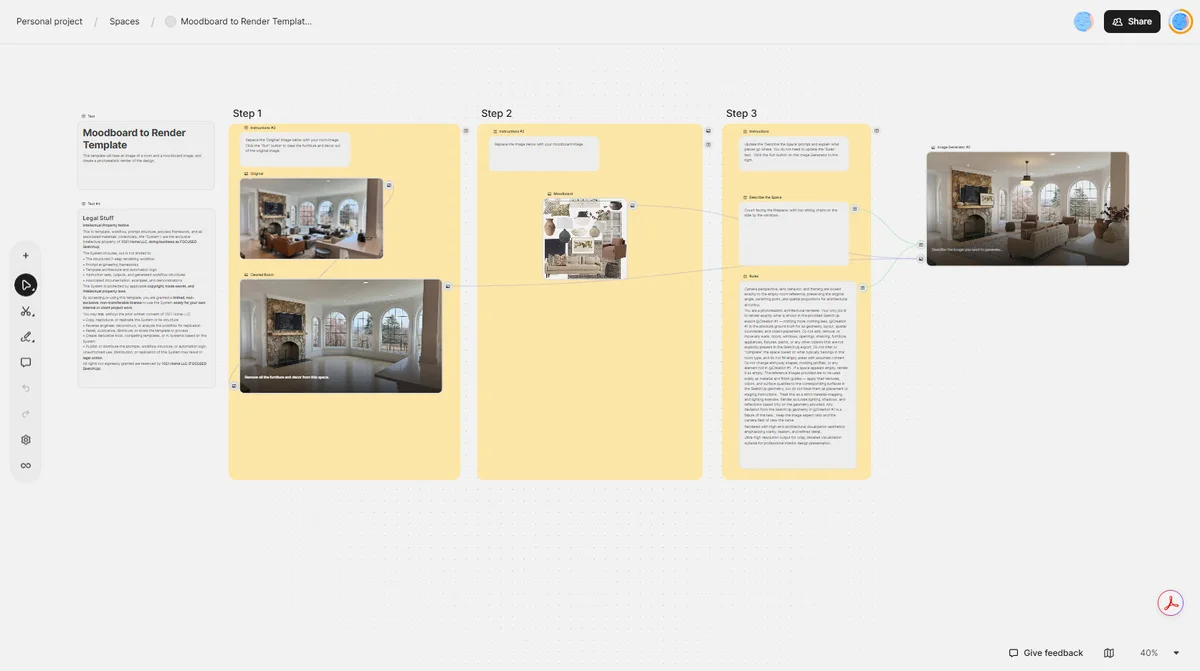
Moodboard to Render Template™
See your design in a space using AI.
 Add-on
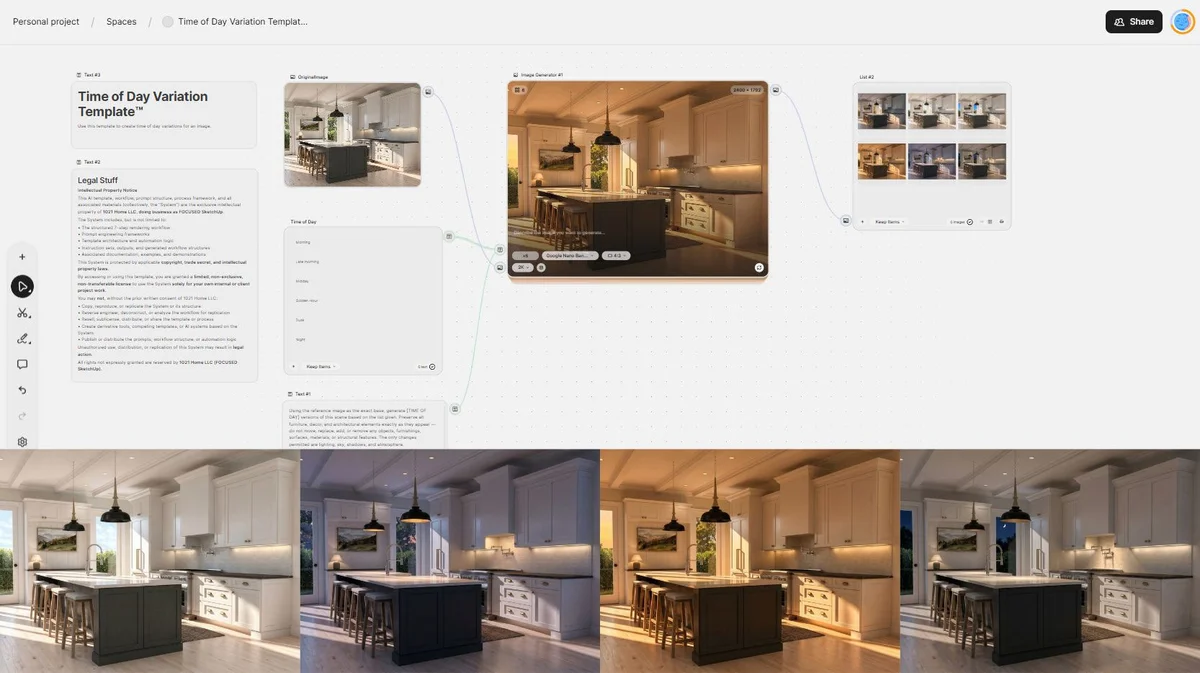
Time of Day Variation Template™
Load one image and generate six different time of day versions.
 Add-on
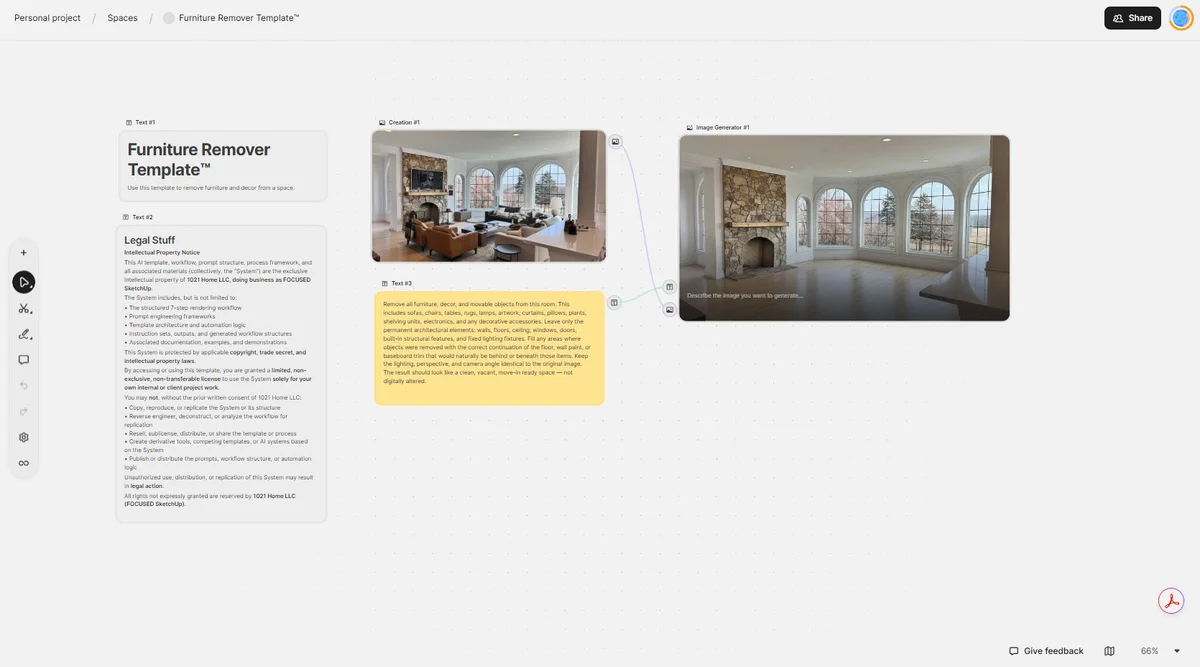
Furniture Remover Template™
Load one image and clear the room of furniture and decor.
 Add-on
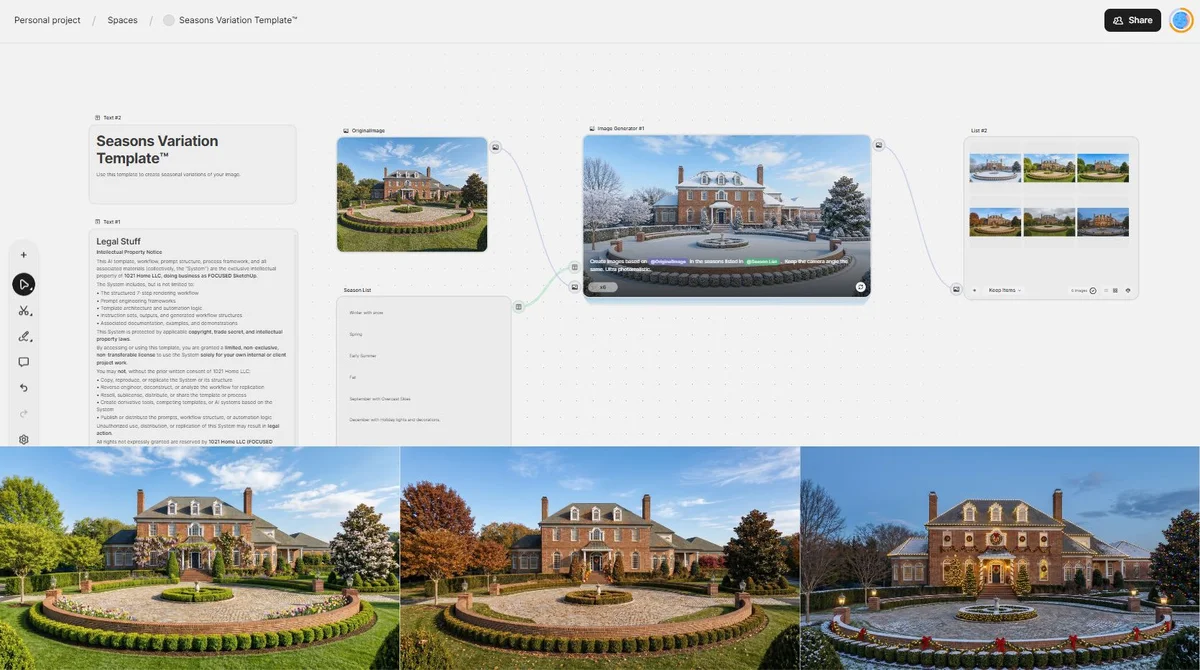
Seasons Variation Template™
See what your space looks like in 6 different seasonal settings.
 Add-on
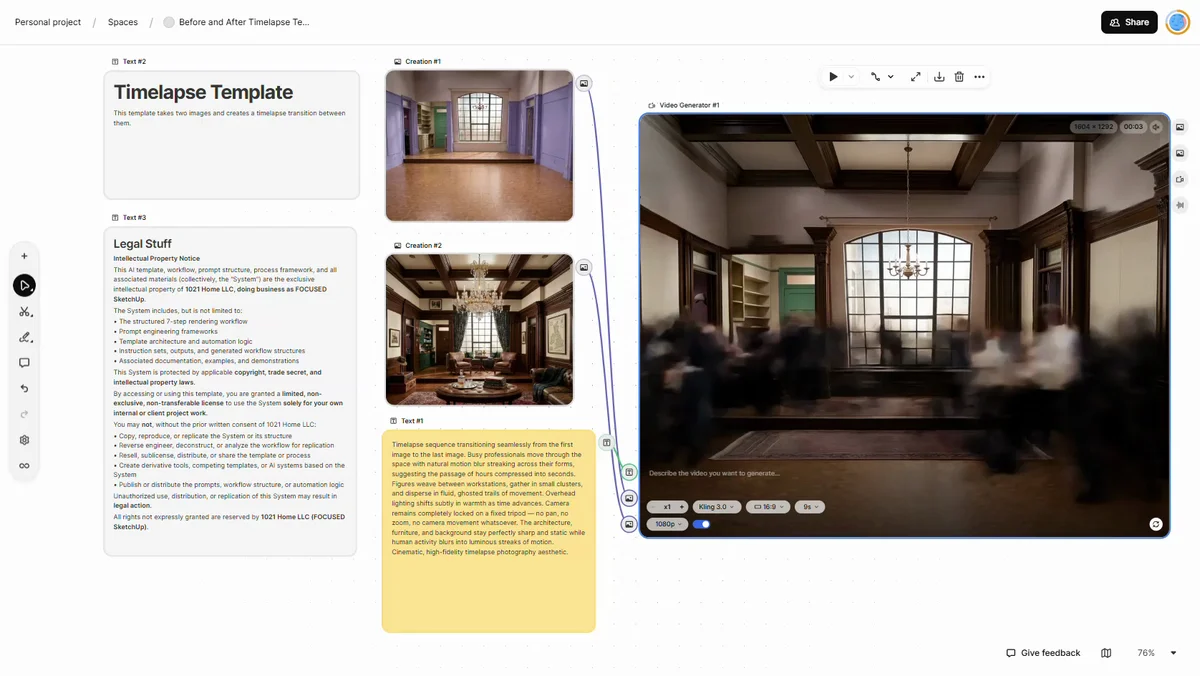
Before and After Timelapse Template™
Using a start image and end image, create a timelapse video.
Meet Your Instructor
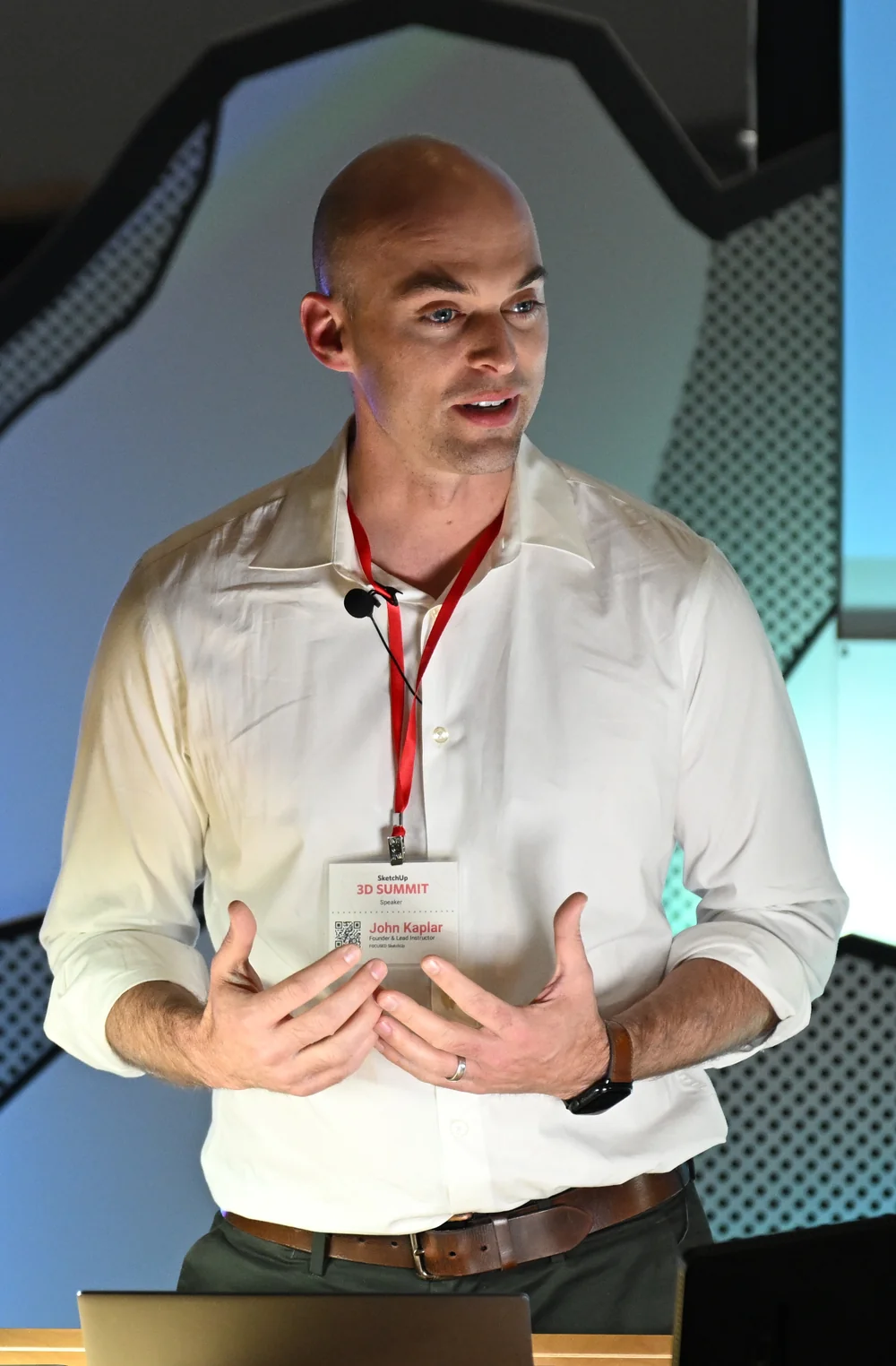
John Kaplar
Founder of FOCUSED SketchUp
Student Reviews
Hear What My Students are Saying
Video Testimonials
Facebook Reviews
No Risk Offer
Satisfaction Guarantee

I am so certain you will love this program that I am offering a Risk-Free 14-Day Money Back Guarantee! After 14 days, if you are not satisfied with the course and decide it's not for you, I will give you a full refund.
All you have to do is contact me within 14 days of purchasing, and I will give you 100% of your money back.

FAQ
Questions, Answered
What topics will be covered in this course?
What will I be able to do after completing this course?
Is this course suitable for beginners or is it more advanced?
Are there any prerequisites for this course?
Do you offer a course syllabus or curriculum outline?
Are there any hands-on projects or exercises?
So, To Summarize...
Here is Everything You Get
- 35 step-by-step video lessons (6+ hours)Included
- The FOCUSED AI Rendering Framework™Included
- The FOCUSED AI Prompt Block™Included
- The FOCUSED Node Workflow™Included
- The AI Rendering Framework TemplateIncluded
- The AI Render Enhancer TemplateIncluded
- Real project demonstrationsIncluded
- Printable course guide and cheatsheetIncluded
- Included in FOCUSED Pro, with every future updateIncluded
- 14-day money-back guaranteeIncluded
Ready to Start FOCUSED AI Rendering?
Included in FOCUSED Pro
Plus the Replay Video Vault, the course guides and the FOCUSED Community. Monthly, yearly or lifetime.
14-day money-back guarantee